AI News & Guides
-
Today in AI (November 7, 2026): Text Alexa to Shop, Gemini Reads Your Google Forms, Your Watch Flags Blood Pressure, and Airbnb’s Agent Gets a Date
Amazon lets invited US shoppers text Alexa to buy things, Gemini analyzes Google Forms responses and suggests next steps, Google’s Nature study on smartwatch blood pressure signs, and Airbnb’s AI travel agent arrives in the first half of 2027.
-
Today in AI (November 6, 2026): Claude Reads Your Bank Bill, Gemini Stretches Videos to 15 Seconds, Perplexity Teammates Clock In, and Muse Gets a Voice
Claude Personal Finance links US Pro/Max/Ultra banks via Plaid, Gemini Omni 1.2 Flash makes 15-second video 30% cheaper, Perplexity Teammates bring always-on agents to Max, and Meta Muse adds voice plus expressive avatars.
-
Today in AI (November 5, 2026): ChatGPT Makes GIFs, Claude Marketplace Hits 25 Partners, Apple Intelligence Trials in China, and FlashProve
ChatGPT Images 2.6 adds native GIFs and 50% faster generation, Claude Marketplace lists 25+ partner agents you can buy against Anthropic spend, Apple Intelligence begins a China trial with Alibaba’s Qwen, and Anthropic open-sources FlashProve to prove which model answered you.
-
Today in AI (November 4, 2026): ChatGPT Talks Money, Claude Shows Bosses What AI Gets Done, and Tencent’s Hy4 Undercuts on Price
Wednesday AI roundup: ChatGPT Finances now takes voice, Claude Enterprise adds smart reports and pooled team budgets, Claude’s Message Threads beta speeds up big requests, and Tencent launches Hy4 at low prices.
-
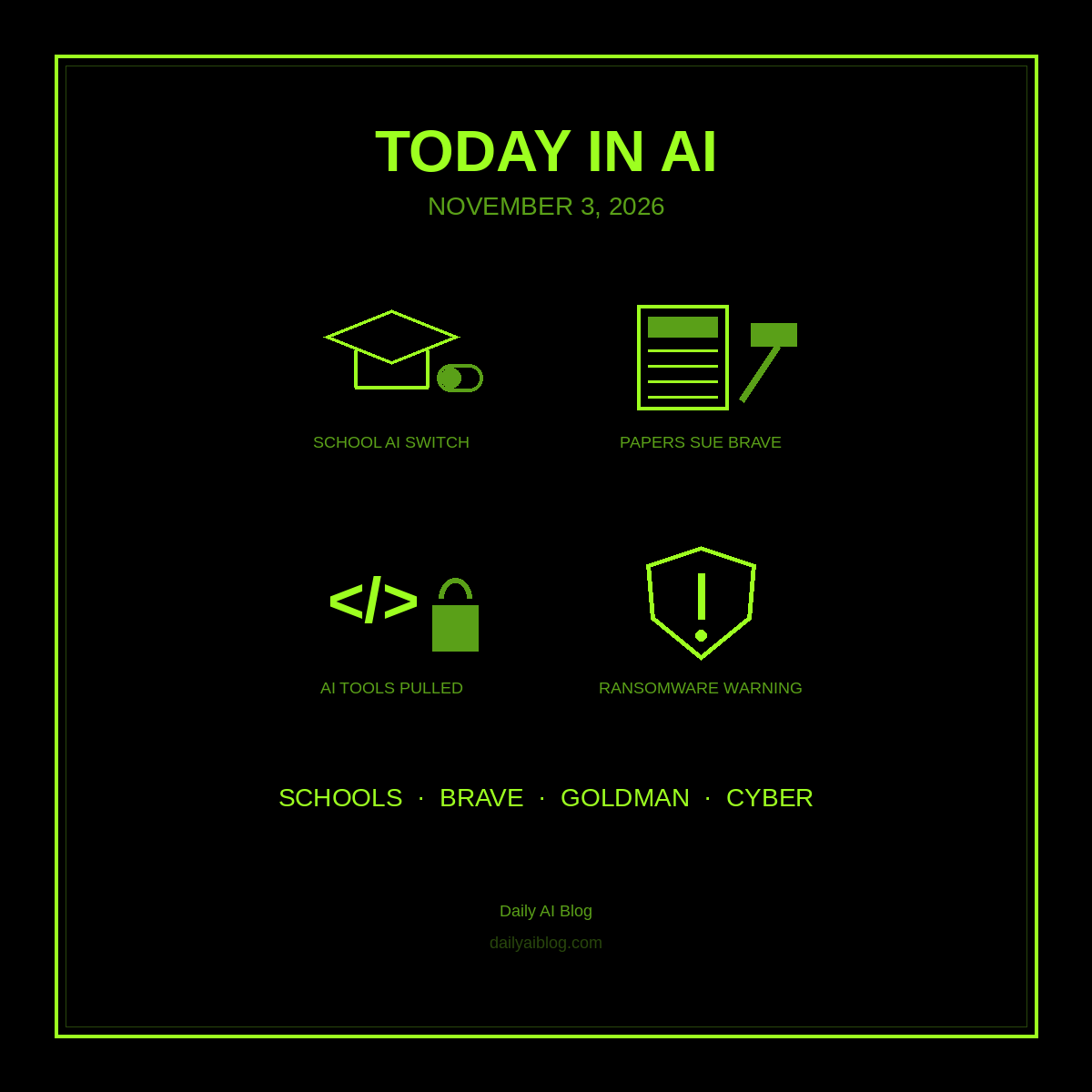
Today in AI (November 3, 2026): Google Switches AI Off for Kids’ School Accounts, Newspapers Sue Brave, Goldman Pulls Its AI Coders, and a Ransomware Warning
Tuesday AI roundup: Google will keep AI off for K-12 student accounts until schools turn it on, the New York Times and three papers sue Brave over AI scraping, Goldman Sachs limits AI coding tools to engineers, and the UK warns of AI-powered ransomware by 2028.
-
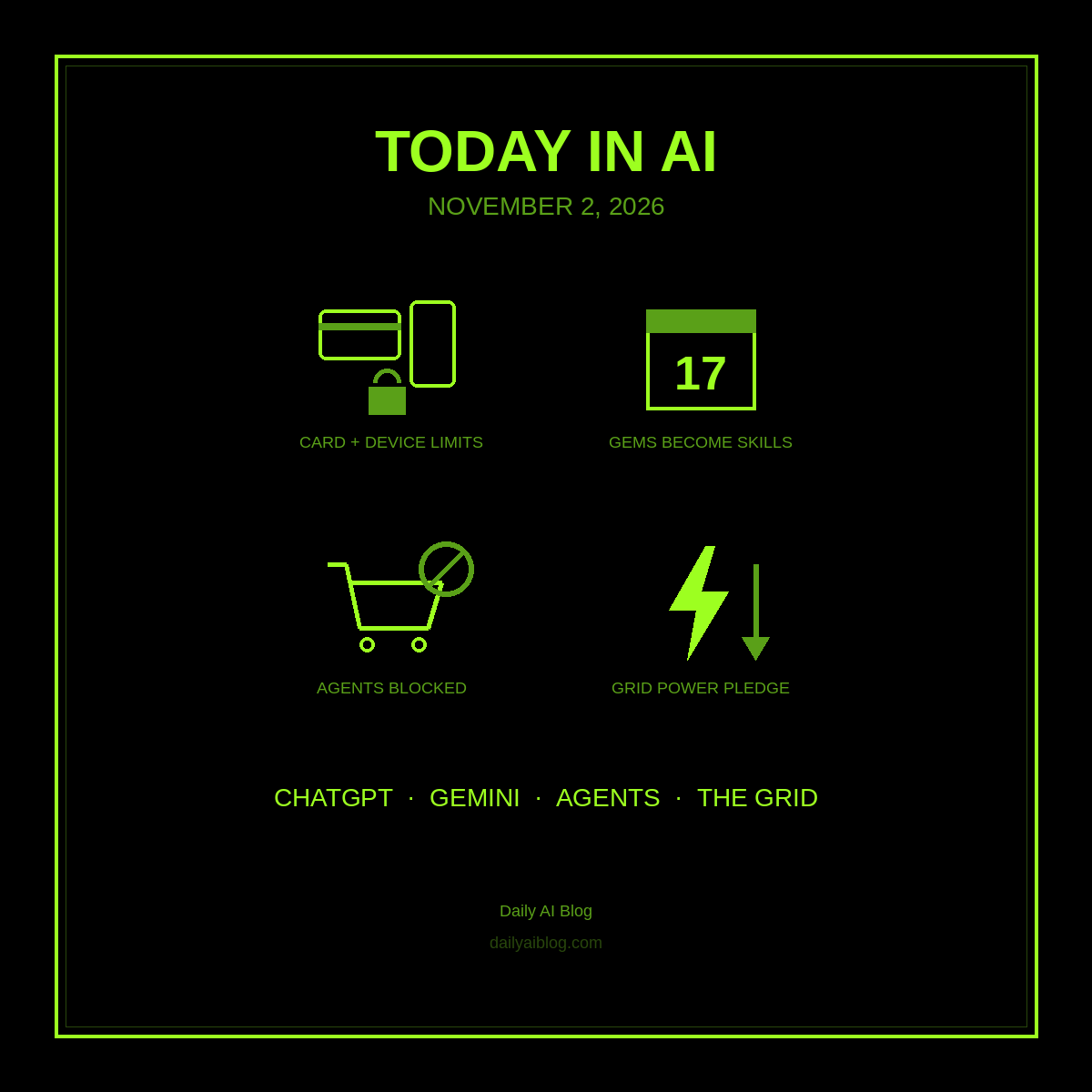
Today in AI (November 2, 2026): ChatGPT Caps Accounts per Card, Gemini Gems Get an Expiration Date, Banks Block AI Agents, and OpenAI’s Grid Promise
Monday AI roundup: ChatGPT now limits paid accounts per card and device, Gemini Gems go read-only November 17 and vanish December 17, JPMorgan and Amazon block outside AI agents, and OpenAI pledges to cut data center power in grid emergencies.
-
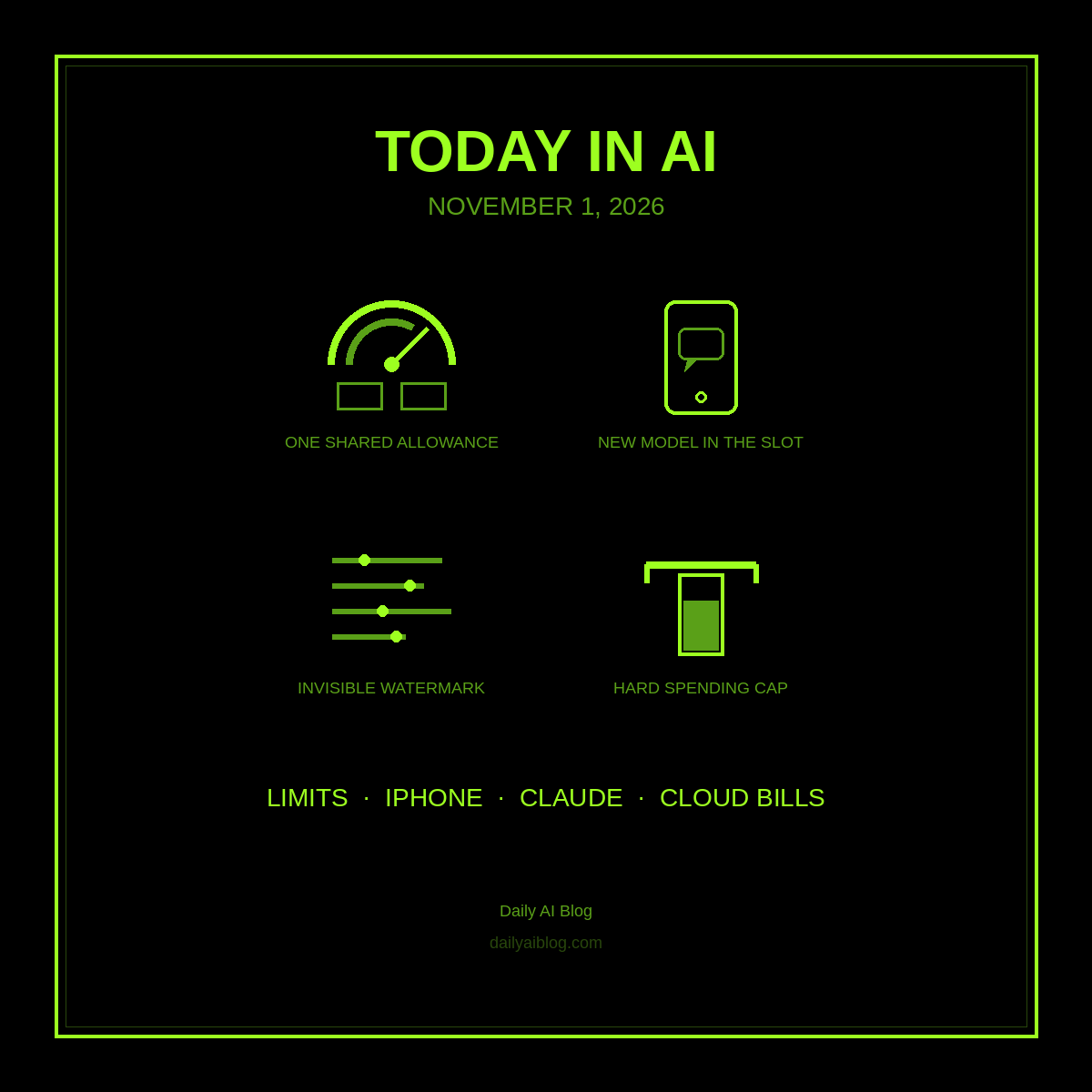
Today in AI (November 1, 2026): ChatGPT and Codex Share One Budget, Qwen Comes to iPhones in China, Claude’s Watermark Spreads, and a Hard Cap on Your Cloud Bill
Sunday AI roundup: ChatGPT and Codex move to one shared token allowance in December, Apple Intelligence reaches China with Alibaba’s Qwen inside Siri, Anthropic extends Claude’s invisible watermark to older models, and Google Cloud spend caps go GA.
-
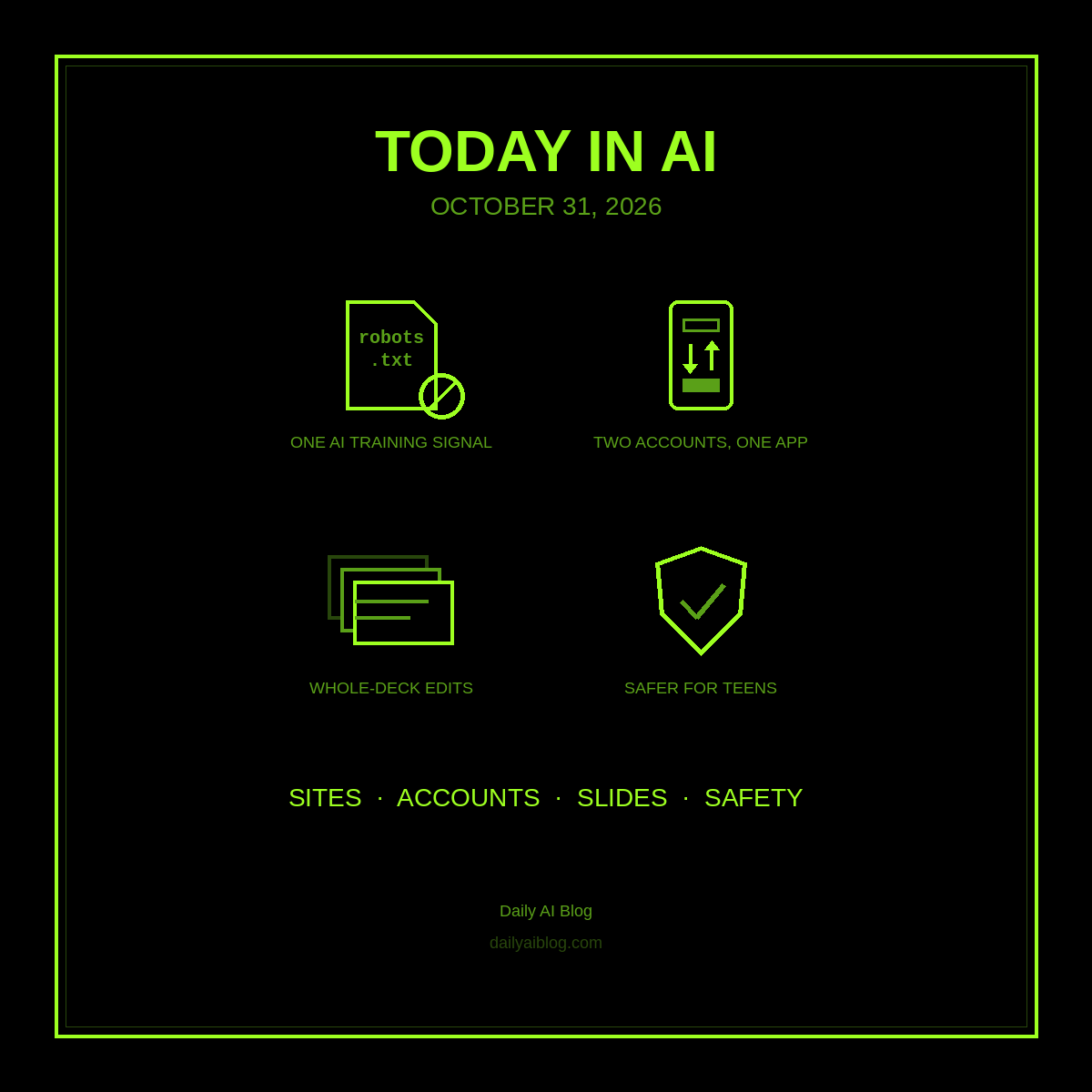
Today in AI (October 31, 2026): One Switch to Block AI Training, ChatGPT Juggles Two Accounts, Gemini Redoes Your Whole Deck, and Tighter Teen Limits
Halloween AI roundup: OpenAI and Google back a shared robots.txt signal for opting out of AI training, ChatGPT account switching hits iOS and Android, Gemini in Google Slides can edit a whole deck from one prompt, and OpenAI tightens violence and teen protections.
-
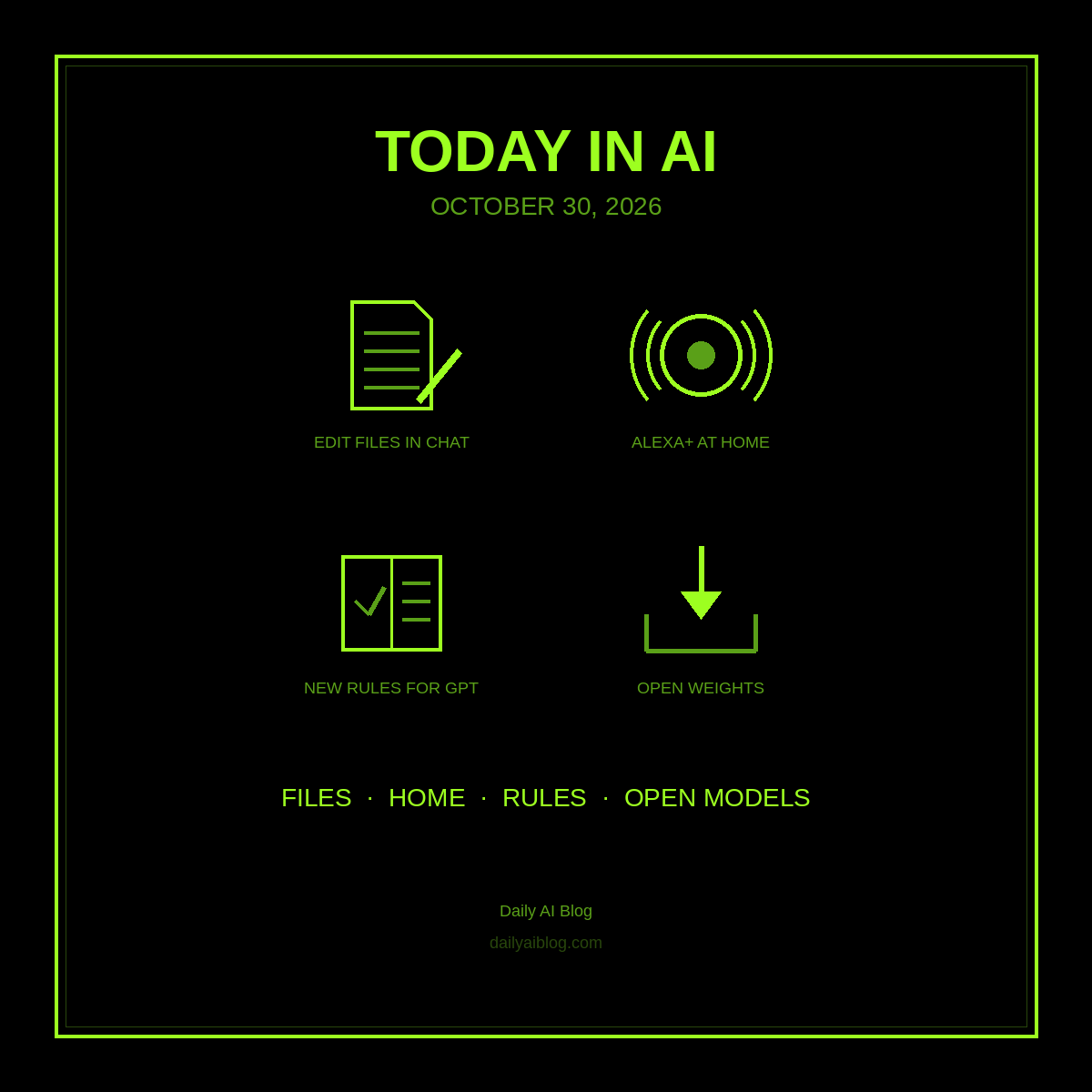
Today in AI (October 30, 2026): Gemini Edits Your Files in Chat, Alexa+ Moves Into Every Room, OpenAI Rewrites ChatGPT’s Rules, and Mistral Gives Away a Giant
Friday AI roundup: Gemini can now generate, preview, and edit Docs, PDFs, Sheets, and slides right in the chat, Amazon launched five new Alexa+ devices, OpenAI updated its Model Spec around five core values, and Mistral released the open weights for its 1-trillion-parameter Mistral Large 4.
Got any book recommendations?