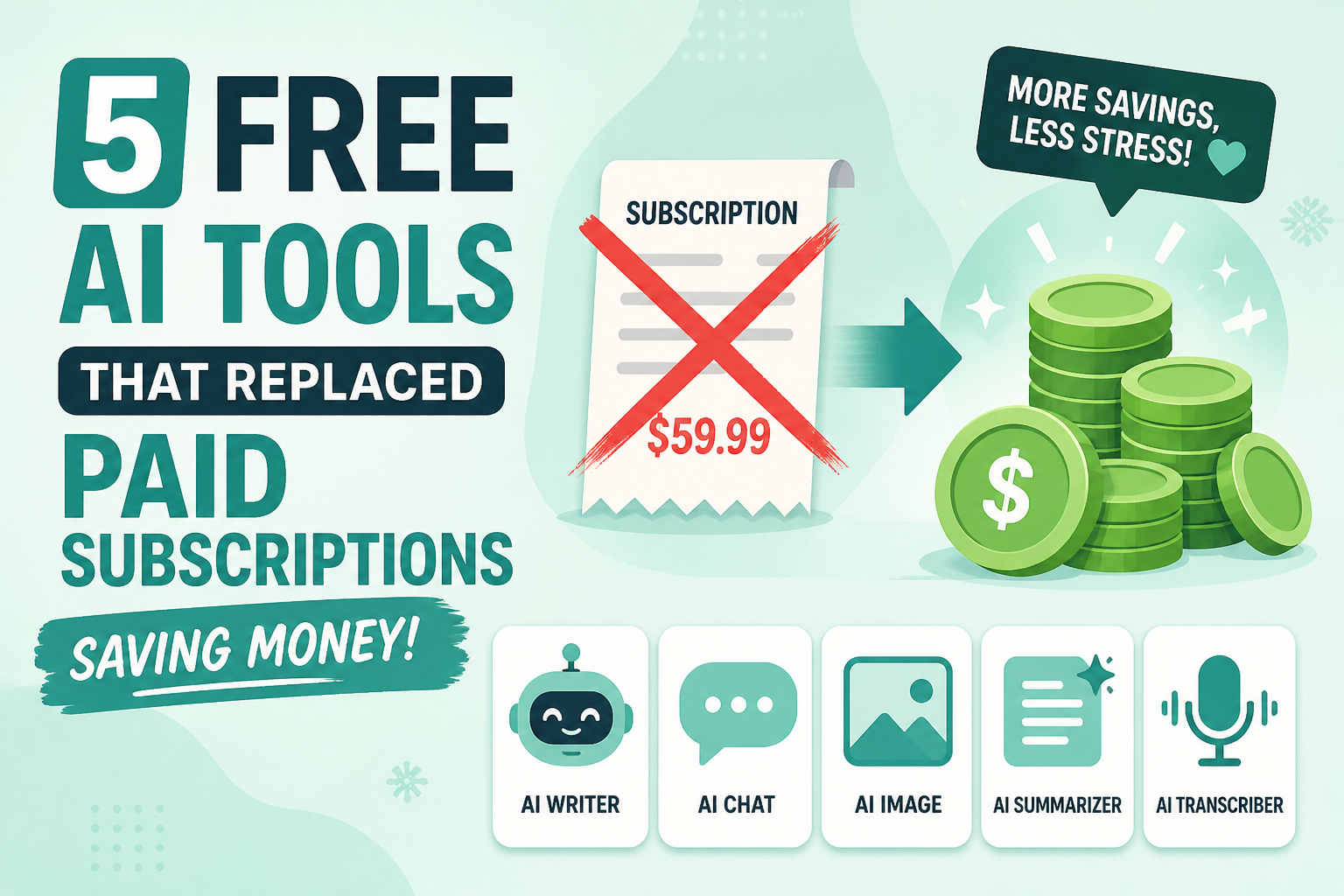
I was spending over $100 a month on AI and software subscriptions. A research tool here, a design app there, a coding assistant, a video editor — it adds up fast. Then I started testing free alternatives, and one by one, the paid subscriptions got cancelled. Here are the 5 free AI tools that actually replaced what I was paying for.
1. Google NotebookLM Replaced My Research Subscriptions
What it replaced: Perplexity Pro ($20/mo), various PDF analysis tools
Google NotebookLM is the most underrated free AI tool available right now. Unlike a regular chatbot that pulls from the entire internet (and sometimes hallucinates), NotebookLM lets you upload your own sources — PDFs, articles, YouTube videos, audio files — and creates an AI expert grounded only in that material.
The free tier is absurdly generous: up to 100 notebooks, 50 sources per notebook, and 500,000 words per notebook. That’s more than enough for serious research.
But here’s what really sold me: the Deep Research feature. It creates a research plan, browses hundreds of sources, compiles 40+ verified citations, and produces a structured executive report. Then it can transform that research into presentations, videos, and even AI-generated podcasts in 80+ languages. Perplexity doesn’t offer anything close to that workflow.
NotebookLM grew 57% in late 2025 — faster than any other Google AI tool — because it solves the one thing researchers actually need: understanding their own materials, not just searching the web.
Monthly savings: $20
2. Microsoft Bing Image Creator Replaced Midjourney
What it replaced: Midjourney ($10/mo)
Here’s a secret that still surprises people: Bing Image Creator runs on OpenAI’s DALL-E 3 — the same model that ChatGPT Plus users pay $20/month to access. Microsoft gives it to you for free.
For blog images, social media graphics, and concept art, it’s more than good enough. The quality gap between free DALL-E 3 and Midjourney has narrowed dramatically in 2026. Unless you’re doing professional design work that demands Midjourney’s specific aesthetic or advanced control features, Bing handles everyday image generation perfectly.
I won’t pretend it’s a 1:1 replacement for power users. Midjourney still has the edge on photorealism and artistic style control. But for someone generating 10-20 images a month for blog posts and social content, paying $10/month for Midjourney stopped making sense.
If you want even more control for free, Ideogram is excellent for images with text (logos, marketing graphics), and Leonardo AI offers 150 free daily tokens — enough for most casual creators.
Monthly savings: $10
3. CapCut Replaced Adobe Premiere Pro
What it replaced: Adobe Premiere Pro ($22.99/mo)
This one will be controversial, so let me be specific: CapCut replaced Premiere Pro for the type of videos I actually make. Short-form social content, YouTube clips, talking-head edits with captions — CapCut handles all of that for free, with AI features that Premiere charges extra for.
CapCut’s AI toolkit includes Smart Cut (automatically removes pauses and mistakes), one-click color correction, auto-stabilization, and auto-generated captions that are surprisingly accurate. For a 5-10 minute YouTube video or a batch of TikTok clips, I’m editing faster in CapCut than I ever did in Premiere.
The honest caveat: if you’re editing feature-length content, doing serious color grading, or working in a team with shared project files, CapCut can’t replace a professional NLE. For those workflows, DaVinci Resolve (also free) is a better alternative. But for the 90% of creators making social-first content, CapCut is the move.
Monthly savings: $22.99
4. Codeium Replaced GitHub Copilot
What it replaced: GitHub Copilot ($10/mo)
Codeium is a free AI coding assistant that integrates with 40+ IDEs and supports over 70 programming languages. It offers context-aware code completions, natural language code search, and the ability to explain and refactor existing code — basically everything Copilot does at its core.
Is it as accurate as Copilot? Not quite. Benchmarks show Copilot reduces task completion time by 35% vs. Codeium’s 28%, and Copilot has a 5% error rate vs. Codeium’s 8%. But here’s the thing — that difference is marginal for most day-to-day coding. If you’re writing Python scripts, building React components, or debugging backend APIs, Codeium gets you 90% of the way there for $0.
Codeium also scores points on privacy — it runs your code context locally or through an enterprise option, and it doesn’t use your code to train its models. For developers working on proprietary codebases, that matters.
The paid Pro tier ($12/mo) adds advanced features if you outgrow the free plan, but I’ve been on the free tier for months without hitting a wall.
Monthly savings: $10
5. ChatGPT Free (GPT-4) Replaced My AI Writing Tools
What it replaced: Jasper ($49/mo)
This might seem obvious in 2026, but it’s worth saying: ChatGPT’s free tier now runs on GPT-4, and that single change eliminated my need for dedicated AI writing tools.
When I was paying for Jasper, it was because ChatGPT’s free tier was limited to GPT-3.5 — which was noticeably weaker at long-form writing, tone control, and following complex instructions. That gap no longer exists. Free ChatGPT now handles blog outlines, social media copy, email drafts, and brainstorming sessions just as well as any specialized writing tool.
The free tier does have usage limits — you’ll hit a cap during heavy sessions and get bumped to a lighter model. But for writing 2-3 blog posts a week and daily email/social content, I’ve rarely been throttled.
For research-heavy writing, I pair ChatGPT with NotebookLM: research and source verification in NotebookLM, then drafting and editing in ChatGPT. It’s a free combo that outperforms most paid writing workflows.
Monthly savings: $49
The Total Savings
Here’s the math:
| Paid Tool | Free Replacement | Monthly Savings |
|---|---|---|
| Perplexity Pro | Google NotebookLM | $20.00 |
| Midjourney | Bing Image Creator | $10.00 |
| Adobe Premiere Pro | CapCut | $22.99 |
| GitHub Copilot | Codeium | $10.00 |
| Jasper | ChatGPT Free (GPT-4) | $49.00 |
Total: $111.99/month saved — that’s $1,343.88 per year.
The Bottom Line
The AI tool landscape has shifted dramatically. Competition between companies has pushed free tiers from “barely usable demos” to genuinely capable products. The tools I listed aren’t watered-down versions of their paid competitors — they’re legitimate alternatives that handle real workloads.
That said, I’m not anti-subscription. If you’re a professional video editor, Premiere Pro is worth every penny. If you’re generating hundreds of AI images daily, Midjourney’s paid plan delivers. The point isn’t that paid tools are bad — it’s that most people are paying for capabilities they can get for free.
Take 30 minutes this week to audit your subscriptions. You might be surprised how many of them have a free AI alternative that didn’t exist six months ago.
Sources: Google NotebookLM · Codeium Benchmarks · CapCut vs Premiere · DataCamp Free AI Tools Guide · Free AI Art Generators
Share this article
Leave a Reply