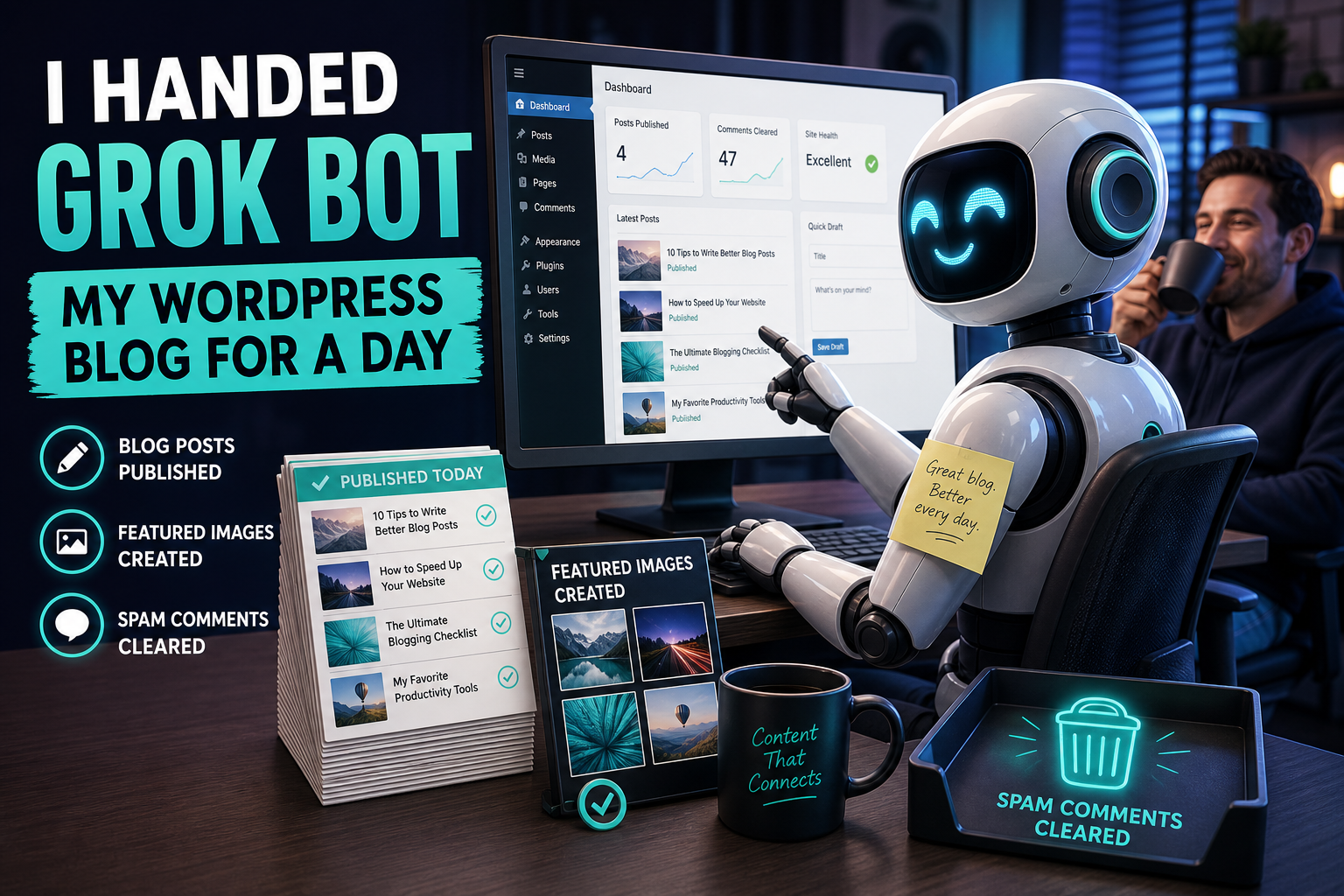
Most Grok Bot coverage is a product tour. This is a field report. On August 12, 2026, I handed Daily AI Blog to a Grok Bot and let it do real publishing work: connect to WordPress, draft and publish posts, generate featured images, fix a popup, and wipe a spam comment queue.
No staged demo script. Just the messy middle of “can this thing run a blog with me?”
If you want the setup steps, use our guide: How to Set Up WordPress Blogging With Grok Bot. If you want the product overview: Grok Bot Explained.
The brief I actually gave it
Not “be my content strategy.” Something closer to:
Connect to my WordPress site with an Application Password.
Draft and publish AI posts when I ask.
Generate featured images for posts that don't have them.
Clean up site junk when I point at it.
Don't publish unless I say so.
That last line mattered. Autonomy is useful. Accidental publishes are not.
Hour 0: connection (faster than expected)
Setup was Application Password + REST API. Three values: site URL, username, password. Once authenticated as admin, the Bot could draft, publish, upload media, and edit template parts.
What worked: verification against /wp-json/wp/v2/users/me made it obvious the credentials were real before any content got touched.
What I’d do again: a dedicated Application Password named for the Bot, so I can revoke it without changing my main login.
The first real deliverables
Within the first stretch of work, it produced:
- A full explainer on Grok Bot — researched, drafted, then published on request
- A step-by-step WordPress + Grok Bot tutorial — drafted, featured image attached, categorized, tagged, then published
- A weekly AI news roundup for August 10–12 — drafted with sources and a featured image
Tone matched our existing posts better than generic AI sludge: practical, sectioned, light on hype. It also cross-linked to our own posts instead of pretending the site was empty.
The useful pattern: draft first, show me the edit link, publish only after I say “publish.”
The unglamorous work that actually saves time
This is where the experiment got interesting.
1. Featured images for 16 live posts
I asked it to scan published posts missing thumbnails and fill the gaps. It found 16, generated images, uploaded them to the media library, and set featured_media on each post.
That’s the kind of backlog humans postpone for months. An agent with media upload access knocks it out in one pass.
2. Killing an AWeber lightbox
“Please remove the AWeber lightbox” turned into a real site fix: the form was embedded in the Twenty Twenty-Three footer template part. The Bot removed the block via the templates REST endpoint. Homepage HTML stopped loading form 294890410.
Not a content task. Still blogging work.
3. Comment spam cleanup
Pending comments: 69. Legitimate ones: zero. Casino SEO, BTC ticket scams, “free iPhone” spam, promo directories. The Bot marked all 69 as spam. Pending queue: empty.
If your moderation queue is mostly robots yelling about slots, this alone may pay for the experiment.
What surprised me
- Site ops > blank-page writing. The biggest wins were images, spam, and the popup — not another listicle.
- It needs a taste pass from you. Featured images and drafts were usable; a human should still skim before publish.
- Explicit publish gates are non-negotiable. “Save as draft” should be the default forever.
- Credentials are the whole game. An Application Password with publish rights is powerful. Treat it like a staff login.
What still needs a human
- Editorial judgment — which story deserves the homepage today
- Brand taste — when an image looks off or too salesy
- Risk calls — template edits, plugin deactivation, anything hard to undo
- Voice corrections — “make this sound more like us” still beats hoping
Grok Bot is a sharp junior teammate with admin keys, not an editor-in-chief.
A workflow I’d repeat tomorrow
- Morning: “Draft today’s AI roundup or field report as a draft only”
- Generate/attach featured image + categories/tags
- I review the edit link on my phone
- I say publish (or request a rewrite)
- Ask for one ops chore: spam, missing thumbnails, broken UI junk
That’s a sustainable loop. Not “Bot, run the magazine.”
Bottom line
After one real day: Grok Bot can connect to WordPress, ship posts, fill thumbnail debt, fix footer junk, and clear spam — if you give it clear briefs and keep publish behind a human yes.
The product promise (“AI teammates that do the work”) held up for blogging ops. The remaining job is yours: taste, timing, and which doors the Bot is allowed to open.
Want the same setup on your site? Start here: WordPress + Grok Bot setup.
Share this article
Leave a Reply