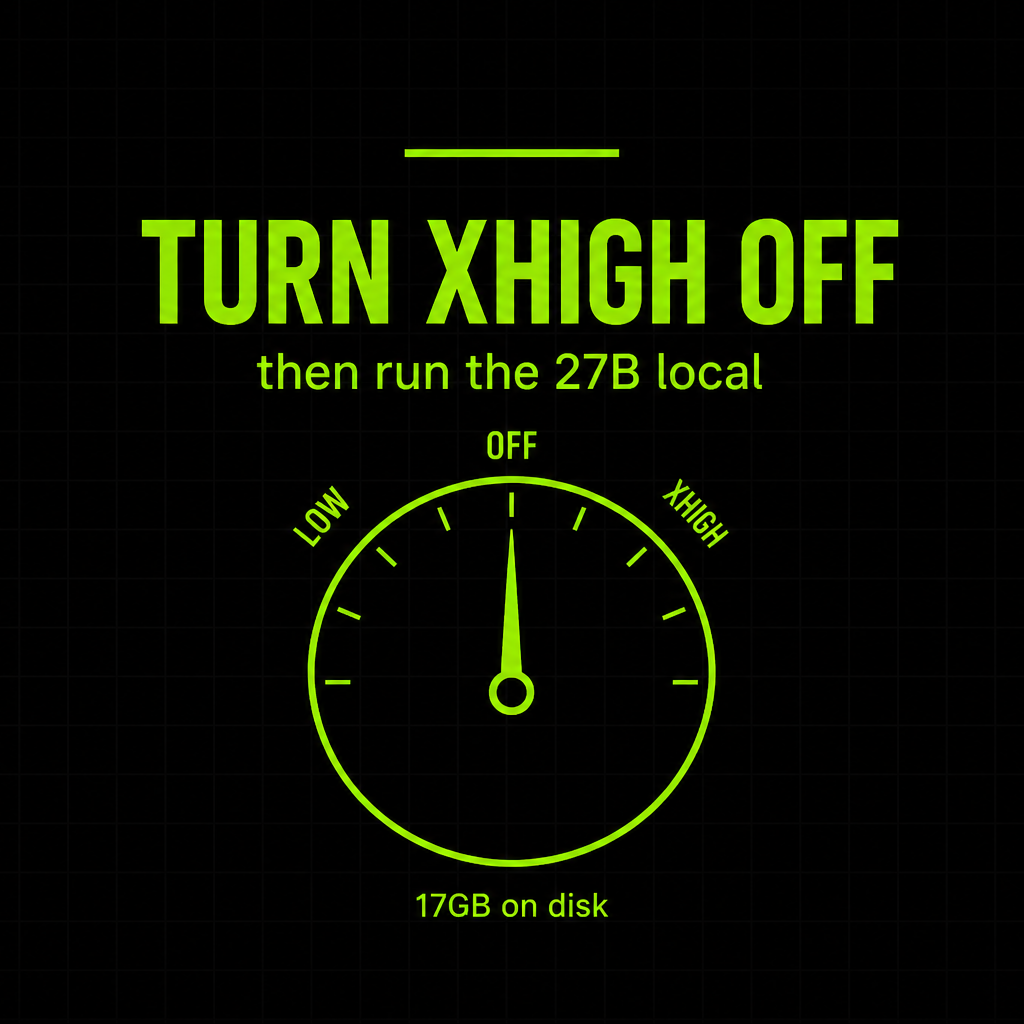
The weights are already on Hugging Face. The trap is the default. Qwen 3.8 27B is a dense, vision-capable 27B you can run on a laptop. Leave reasoning on xhigh and a toy prompt can burn twenty minutes before you get a drawing.
Simon Willison found that out the hard way. His pelican-on-a-bicycle SVG took 21 minutes and 22,276 reasoning tokens. The same prompt with reasoning off came back in a little over two minutes. The model is good. The default is a joke. Turn it down first, then play.
Weights landed Friday, August 14, 2026. This is the weekend-after guide: grab the real files, run them locally, and do not leave thinking on extra-high.
Source: official Qwen/Qwen3.8-27B repo. Hands-on: Willison, Aug 16.
What you are actually downloading
Qwen 3.8 27B is a dense causal language model with a vision encoder. Native inputs are text, image, and video. Native context is 262,144 tokens. The official card says you can push toward 1,000,000 with YaRN / RoPE scaling when a serving stack supports it.
The license file on the official repo is Apache 2.0, copyright 2026 Alibaba Cloud. That is the 27B. Commercial use is allowed under those terms. Do not copy-paste that claim onto the bigger Qwen 3.8 flagship. Different repo. Different license. This post stays on 27B.
Alibaba published its own eval tables for coding and computer-use benches. Treat those as vendor claims until independent runs land.
It is sized for a machine you already own. Willison ran a 17GB Q4_K_M quant in LM Studio on a laptop. LM Studio lists 16GB as the minimum system memory on the model page. That is a file-on-disk and minimum-memory number, not a promise about every GPU.
Get the real files
The official weights live at Qwen/Qwen3.8-27B on Hugging Face, under the Qwen org. Check the org name before you click download. Hugging Face is full of lookalikes with extra hyphens, extra numbers, or a username that only looks official.
The first-party files are Transformers safetensors, 18 shards, plus tokenizer and video preprocessor configs. That is the source of truth.
huggingface-cli download Qwen/Qwen3.8-27BIf you want a one-click desktop path, LM Studio lists qwen/qwen3.8-27b with a Use Model button. Willison used that route.
GGUF builds you find under community accounts are community quantizations, not first-party Qwen uploads. lmstudio-community/Qwen3.8-27B-GGUF is one of those. Fine for llama.cpp and LM Studio. Still a third-party quant of the official weights. Read the card. Do not treat a random GGUF as the Qwen org repo.
Fastest path tonight
If you want it running before dinner:
- Open LM Studio’s Qwen 3.8 27B page and use the one-click install, or search
qwen3.8-27bin the app. - Load a Q4-class quant if that is what the listing ships. Willison’s build was a 17GB Q4_K_M.
- Before the first prompt, find Reasoning Effort. Default is
xhigh. Set it tolow, or turn thinking off. - If you leave thinking on, raise context past LM Studio’s 8,192 default. Willison filled that window on mundane prompts. The model natively goes to 262,144.
Prefer the official safetensors and a server? Qwen documents SGLang, vLLM, and TokenSpeed recipes on the model card. That is the production path, not the laptop path.
The one setting
Qwen documents three reasoning levels: xhigh (default), medium, and low. Thinking is on unless you disable it. Historical reasoning is preserved by default too.
xhigh is for hard, multi-step work. It is a terrible first setting on a laptop. Willison asked for a circle and got a multi-minute geometric study. He asked for a bounding-box tool and got an over-engineered demo scene because the example JSON said pelicans.
Start on low or with thinking off. Turn effort up only when a task actually fails without it. Willison’s no-reasoning tool almost worked and needed a follow-up. That is cheaper than 20 minutes of unsolicited craft.
In LM Studio the controls are Reasoning Effort, Enable Thinking, and Preserve Thinking. On the API they are reasoning_effort and chat_template_kwargs.enable_thinking.
When local beats a metered API this week
Local is not the speed win. Willison saw about 15 to 30 tokens a second on LM Studio. Hosted models will still feel snappier.
Local wins when the file should not leave the machine. Private screenshots. Internal docs. Video you do not want on someone else’s GPU. Apache 2.0 on the 27B also means you can build on the weights without an API contract, if you follow the license.
It also wins when you are iterating on long context or images and you do not want a meter watching every retry. Especially while you learn where xhigh wastes tokens.
If you need a coding agent loop, Willison got useful results driving tools offline. That is the interesting local use this week: vision, long context, and tools on a 17GB file, with the thinking dial in your hand.
Tonight’s checklist
- Confirm the repo is
Qwen/Qwen3.8-27Bon Hugging Face, Qwen org, Apache 2.0 license file. - Install via LM Studio’s
qwen/qwen3.8-27blisting, orhuggingface-clifor the official safetensors. - If you grab a GGUF, treat it as a community quant, not a first-party file.
- Set reasoning to
lowor turn thinking off before the first prompt. - Raise context if you leave thinking on. Do not sit on the 8K default.
- Keep this to the 27B. The bigger flagship is a different download and a different license.
- Treat Alibaba’s bench tables as claims. Run your own workload.
Share this article
Leave a Reply