Tag: open source
-

Omarchy for YouTubers: OBS and Kdenlive Are Already Installed
Omarchy preinstalls OBS Studio and Kdenlive, puts screen recording on a hotkey, and gives renders their own workspace. The full YouTube workflow on DHH’s Linux desktop.
-
Omarchy for Writers and Bloggers: The Whole OS Is a Focus Mode
Omarchy ships Obsidian, LibreOffice, and a keyboard-first desktop with no dock and no distractions. Here’s the distraction-free writing and blogging setup, room by room.
-

The Best Small AI Models for 8GB and 16GB Laptops
Llama, Qwen, Gemma, Mistral, or DeepSeek? Our local AI model picks by RAM size, the one rule that prevents every beginner mistake, and the quantization footnote you actually need.
-
Omarchy for Developers: The Workflow DHH Built for Himself
Neovim, tmux, and LazyDocker on hotkeys, mise everywhere, and ten AI coding agents preconfigured. The developer-workflow tour of Omarchy, plus a workspace pattern for background agent sessions.
-
Ollama vs. LM Studio: Which Local AI App Should You Start With?
Ollama and LM Studio both run AI models on your own computer for free. One is an app, one is a tool — here’s how to pick in two minutes, and why you may end up with both.
-
How to Run AI on Your Laptop With No GPU (8GB of RAM Is Enough)
You can run a private AI chatbot on the laptop you already own — free, offline, no GPU, no account. The fifteen-minute local AI setup, and what to honestly expect.
-
Six Levels to a Mouseless Omarchy. Start With Five Keys.
Omarchy ships 227 keybindings. You need five to survive the first hour and about thirty to stop touching the mouse. Six levels, each with a drill and a pass condition, ending with the day you put the mouse in a drawer.
-
You Can’t Install Omarchy on Chrome. You Install Chrome on Omarchy.
You can’t install Omarchy in Chrome, as an extension, or on ChromeOS. Official path is a Linux ISO. Then you install Chrome on it.
-
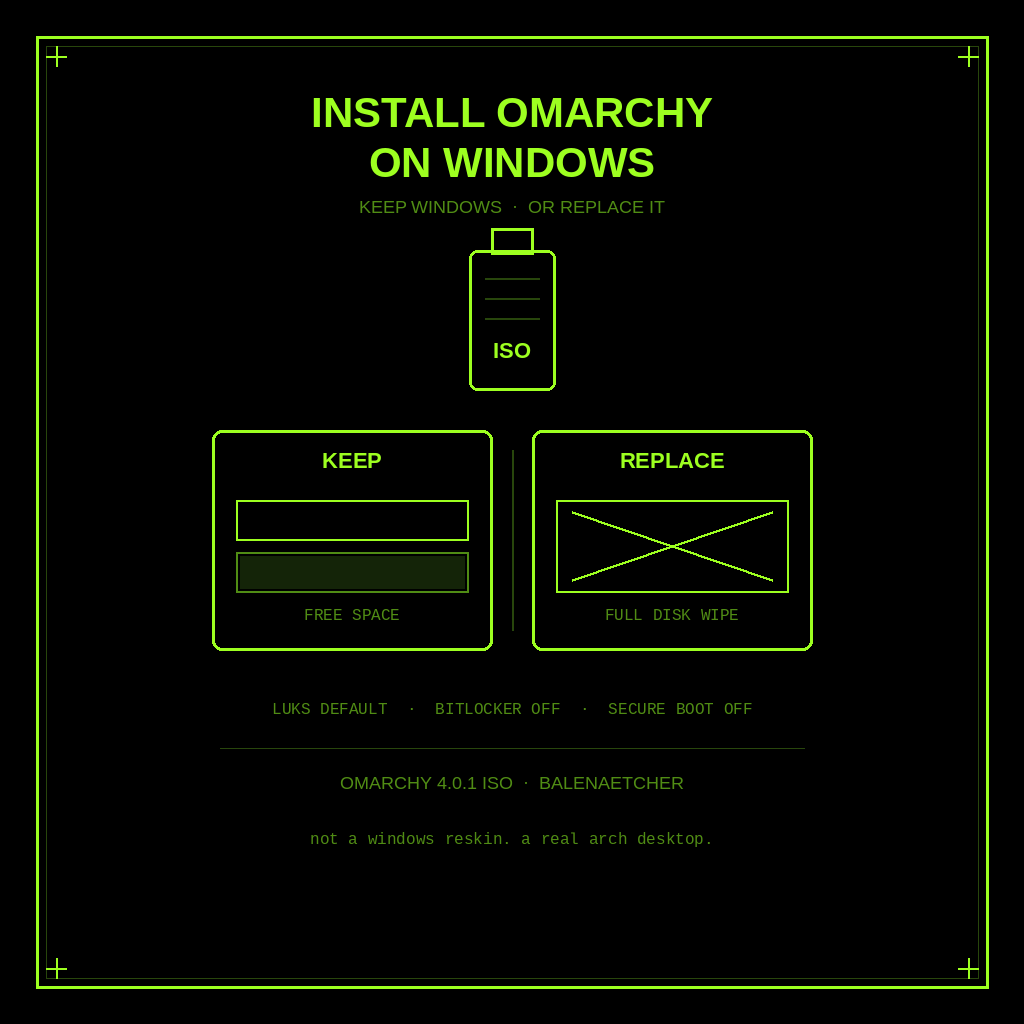
How to Install Omarchy on Windows (Keep Windows or Replace It)
Keep Windows or replace it. Official Omarchy ISO install on a PC: free-space dual boot or full-disk wipe, plus BitLocker and Secure Boot warnings.