Tag: Linux
-

Omarchy for Writers and Bloggers: The Whole OS Is a Focus Mode
Omarchy ships Obsidian, LibreOffice, and a keyboard-first desktop with no dock and no distractions. Here’s the distraction-free writing and blogging setup, room by room.
-
Omarchy for Developers: The Workflow DHH Built for Himself
Neovim, tmux, and LazyDocker on hotkeys, mise everywhere, and ten AI coding agents preconfigured. The developer-workflow tour of Omarchy, plus a workspace pattern for background agent sessions.
-
Six Levels to a Mouseless Omarchy. Start With Five Keys.
Omarchy ships 227 keybindings. You need five to survive the first hour and about thirty to stop touching the mouse. Six levels, each with a drill and a pass condition, ending with the day you put the mouse in a drawer.
-
You Can’t Install Omarchy on Chrome. You Install Chrome on Omarchy.
You can’t install Omarchy in Chrome, as an extension, or on ChromeOS. Official path is a Linux ISO. Then you install Chrome on it.
-
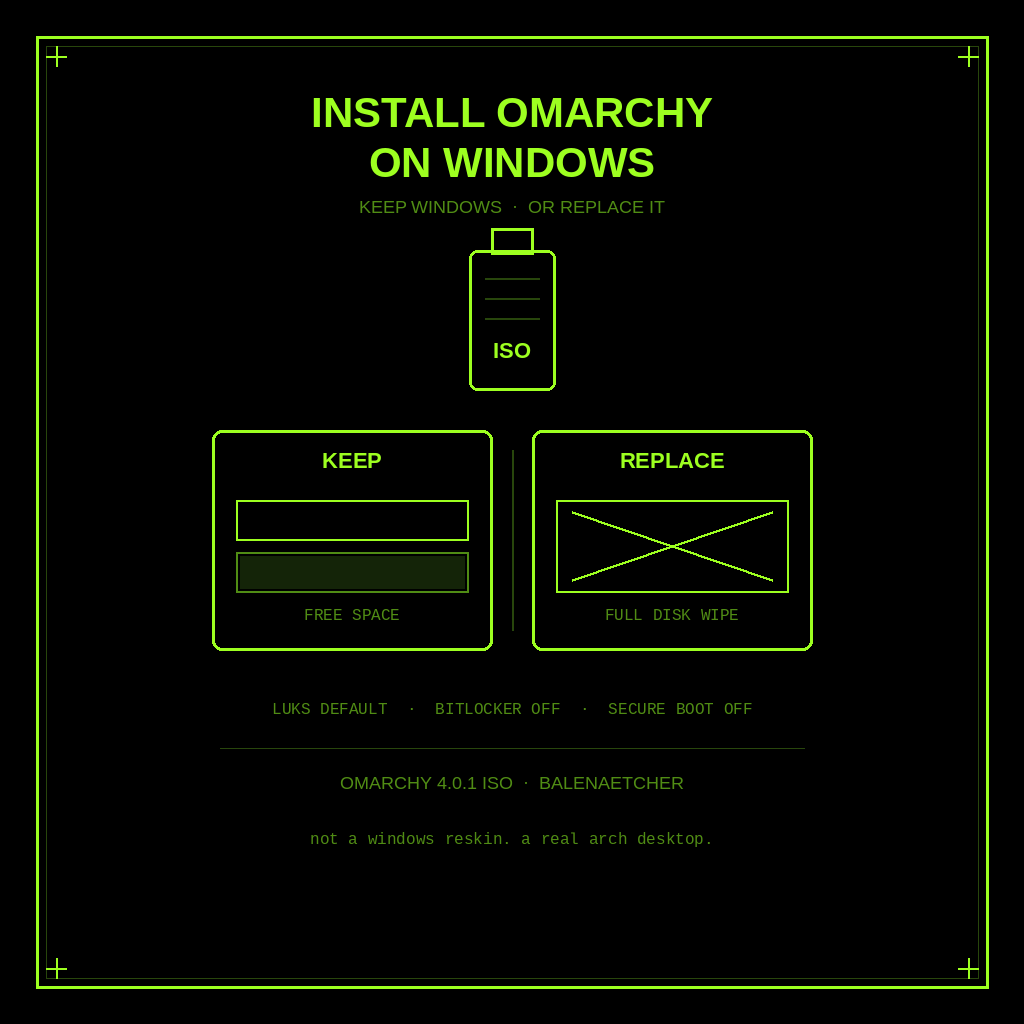
How to Install Omarchy on Windows (Keep Windows or Replace It)
Keep Windows or replace it. Official Omarchy ISO install on a PC: free-space dual boot or full-disk wipe, plus BitLocker and Secure Boot warnings.
-
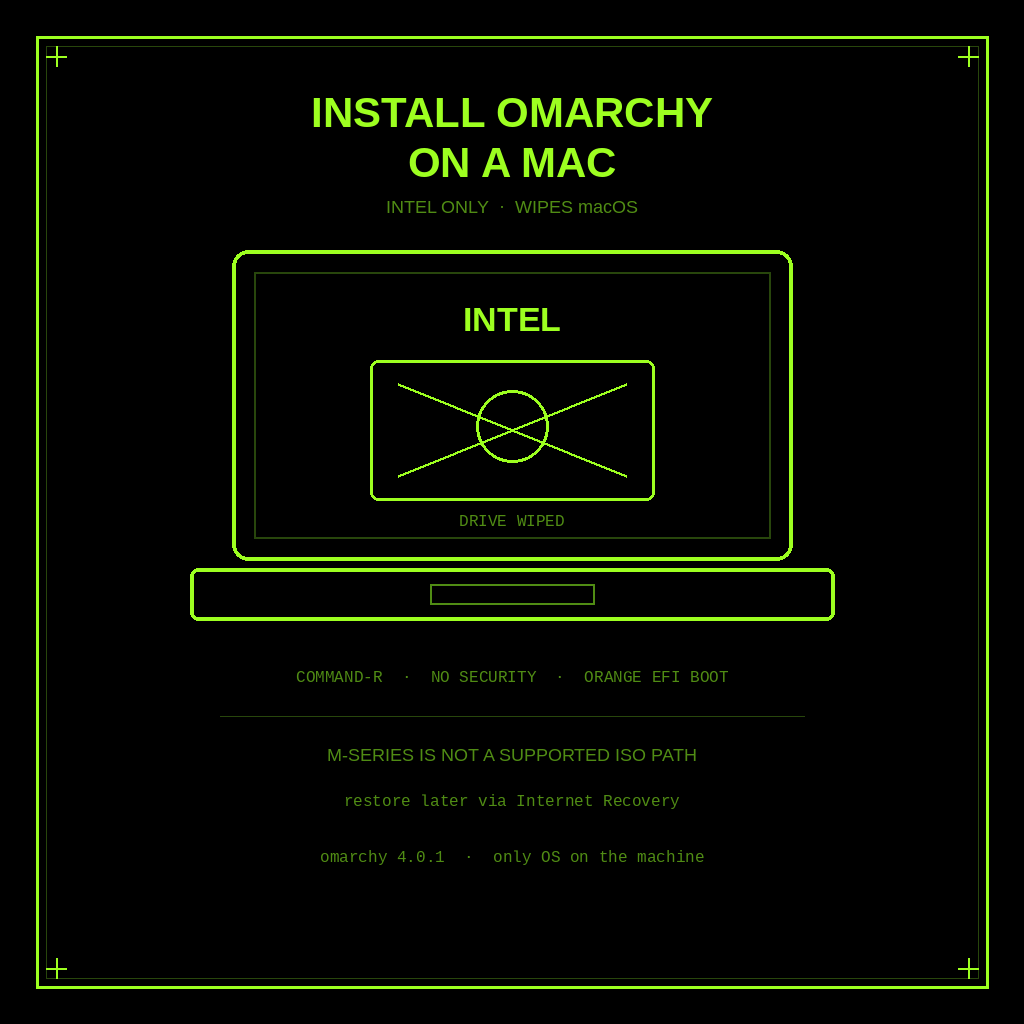
How to Install Omarchy on a Mac (Intel Only, and It Wipes macOS)
Official Intel-only steps to put Omarchy on a Mac. The install wipes the drive, macOS will not boot after, and Apple silicon is not a supported ISO path.
-
Omarchy Isn’t an AI OS. It’s DHH’s Opinionated Linux Desktop.
Omarchy is DHH’s opinionated Arch Linux desktop, not a chatbot OS. Here’s what it ships, how you install it, and who should wait.