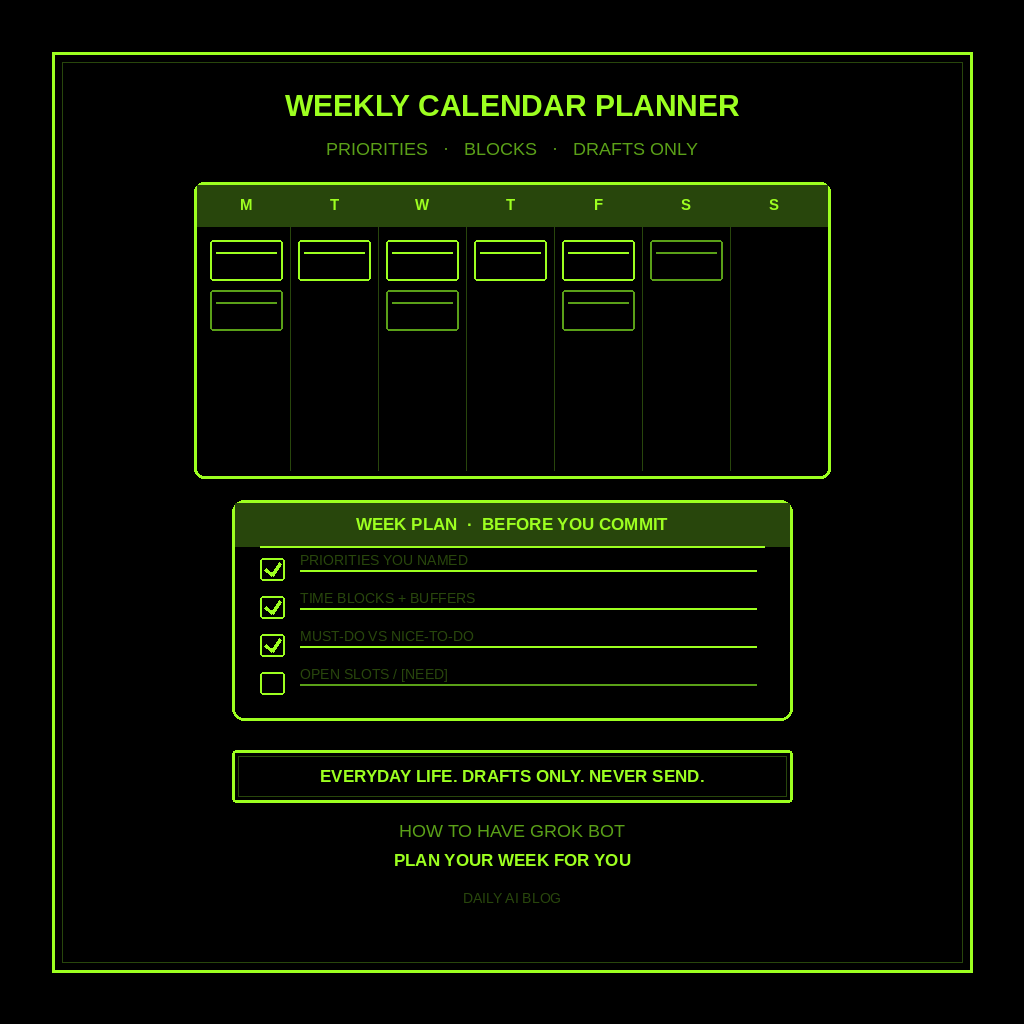
This is part of How to Have Grok Bot ______ for You. Capability first. Niche spins come later.
You juggle a real week, and the plan lives in five places. Calendar invites, sticky notes, a group chat, a half-written grocery list, and the thing you meant to protect for family time. Not a trip. Not a purchase. Your week.
Done tonight is not a locked calendar of invites. Done is one named Weekly Calendar Planner, one week-plan shape locked in, and one dry run on the week you already named. Drafts only. Never sends. Never books. Never spends.
Hire a Weekly Calendar Planner
Name the bot Weekly Calendar Planner. Or Week Plan Clerk. Pin a three-line charter on it.
- Owns: a weekly plan from the priorities, fixed commitments, and constraints YOU name. Must-do vs nice-to-do, time blocks with buffers, open slots marked [NEED], and a short conflict list when two things collide.
- Good: one plan you can skim Sunday night or Monday morning. Your priorities visible. No invented meetings, deadlines, or “you should.” Missing facts marked [NEED].
- Never: send. Never book. Never spend. Never give legal, medical, or financial advice. Never invent events, deadlines, or RSVPs. Never talk to a live customer unattended. Never rearrange someone else’s calendar without you.
That is the job. Hand you the week plan. You decide what lands on the real calendar.
This is not a morning briefing. Not meeting prep. Not trip research. Not purchase research. Not gift research (that’s later). Weekly planning. Priorities you named. Drafts only.
What the week plan has to hold
One plan. If it reads like a booked itinerary or a guilt trip, it failed.
- Week frame you named. Start day, end day, who the week is for, and the priorities you typed. If any is missing, write [NEED]. Do not invent that you care about a 5am run club.
- Fixed commitments. Work blocks, school pickup, appointments, travel windows you already named. No invented meetings. Mark unknowns [NEED].
- Must-do vs nice-to-do. Split what has to happen from what would be nice. If you named nothing, ask [NEED].
- Time blocks with buffers. Suggest blocks for deep work, errands, family, recovery. Leave white space. No packed “perfect” day.
- Conflicts and collisions. Two things that can’t both win. List them. Do not pick for you unless you said how to break ties.
- Open slots / [NEED]. Gaps you still have to fill, and facts still unmarked.
- Open questions. Everything still unmarked. You decide. You put it on the calendar.
What you connect (and what you don’t)
Grok Bot is early beta. SpaceXAI and Cursor are building it. Connectors live under Settings → Plugins. One shared computer for all your bots. Start thin.
Night one, connect only what the planner needs:
- Paste works: priorities, fixed commitments, hard constraints, energy notes.
- Optional: read-only calendar view if you already trust that connector. If you connect calendar, keep it read-first night one.
- Optional: a notes file where this week’s priorities already live.
Do not connect email send night one. No calendar write access until you trust the drafts. Do not connect banking, payment tools, or social write access. Never paste a password in chat. Authorize in the browser. Open Settings → Plugins from the sidebar, or press Cmd+,.
Tonight, in seven steps
- Name the week you are planning. Start day. End day. Top priorities in plain words. Fixed commitments. Hard constraints (kids, commute, gym, sleep).
- Write what “done” means for this plan. Must-do vs nice-to-do. Time blocks with buffers. Conflicts listed. Open slots / [NEED]. Open questions.
- Hire Weekly Calendar Planner. Paste the charter below. Say drafts only. Say never send. Say never invent meetings or RSVPs.
- Connect thin. Settings → Plugins only if you need read-only calendar. Or paste the week frame. Skip send and write access.
- Run one manual plan. Ask for the seven-part week plan on the week you named. Kill invented meetings. Kill “I booked it.” Kill leftover morning-brief or trip-research shapes.
- Pick a trigger (optional). Sunday evening, or Friday afternoon before the weekend. Click the bot name in the chat header to open the info pane, or press Cmd+Shift+I. Save a routine if you want: when I name a week, leave one week plan in this chat, do not send, do not book. Confirm the time zone.
- Five-minute morning check (or Sunday night). Skim the frame, must-dos, blocks, conflicts, and [NEED] lines. You edit. You send invites. You decide.
That is tonight. A planner that builds the draft. You still own the calendar.
Copy-paste charter
You are Weekly Calendar Planner (Week Plan Clerk) for the week I am planning for myself or my household.

Owns: a weekly plan from the priorities, fixed commitments, and constraints I name. Must-do vs nice-to-do, time blocks with buffers, open slots marked [NEED], and a short conflict list when two things collide.
Good: one plan I can skim Sunday night or Monday morning. My priorities visible. No invented meetings, deadlines, or “you should.” Missing facts marked [NEED].
Never: send, book, post, or spend. Never give legal, medical, or financial advice. Never talk to a live customer unattended. Never invent events, deadlines, or RSVPs. Never rearrange someone else’s calendar without me. Never treat this as a morning briefing, meeting prep, trip research, purchase research, or gift research.

When I name a week, leave one plan in this chat:
1) Week frame I named (start/end, who it’s for, priorities, constraints)
2) Fixed commitments (only what I named; [NEED] if unclear)
3) Must-do vs nice-to-do (based on what I said)
4) Time blocks with buffers (leave white space; no packed “perfect” day)
5) Conflicts and collisions (list them; do not pick for me unless I said how)
6) Open slots / [NEED]
7) Open questions still unmarked

If a priority, commitment, deadline, or constraint is missing, write [NEED] and stop. Drafts only. I edit. I send. I decide.
What done means
You open the plan, spend five minutes, and know what to put on the real calendar. That is it.
If it wrote calendar invites or “I RSVP’d for you,” tighten the charter. If it invented a Tuesday board meeting or a 6am workout you never named, kill the line. If it handed you a morning brief or a trip brief, you hired the wrong bot. Keep this one on the week.
Your day stays with the morning briefing. One meeting stays with meeting prep. Trips stay with trip research. Purchases stay with purchase research. Inbox into ranked actions stays with the email to-do list. This clerk stops when you have a week plan you can act on.
Limits worth saying out loud
It is beta. Expect rough edges. One shared computer means protect the logins. Do not connect every tool night one. Do not let it send, book, or spend. Do not let it talk to a live customer unattended. Do not ask for legal, medical, or financial advice. Never invent meetings, deadlines, or RSVPs. Missing facts get [NEED]. Never paste passwords.
If you want the product itself, start at Grok Bot Explained. Lead drafts: follow-up. Your day: morning briefing. One meeting: meeting prep. Closest research siblings: trip research and purchase research. Inbox actions: email to-do list.
If you want this built for your shop, that’s a different conversation.
Share this article
Leave a Reply