This is part of How to Have Grok Bot ______ for You. Capability first. Niche spins come later.
You run a one-person life, phone first, and mornings scatter you. Work, home, the drop-off, the errand, the message you meant to answer. Not a shop route. Your actual day.
Done tonight is not a life OS. Done is one named Morning Brief Clerk, one personal brief shape locked in, and one dry run on tomorrow. Drafts only. The bot never sends.
Hire a Morning Brief Clerk
Name the bot Morning Brief Clerk. Or Day Starter. Pin a three-line charter on it.
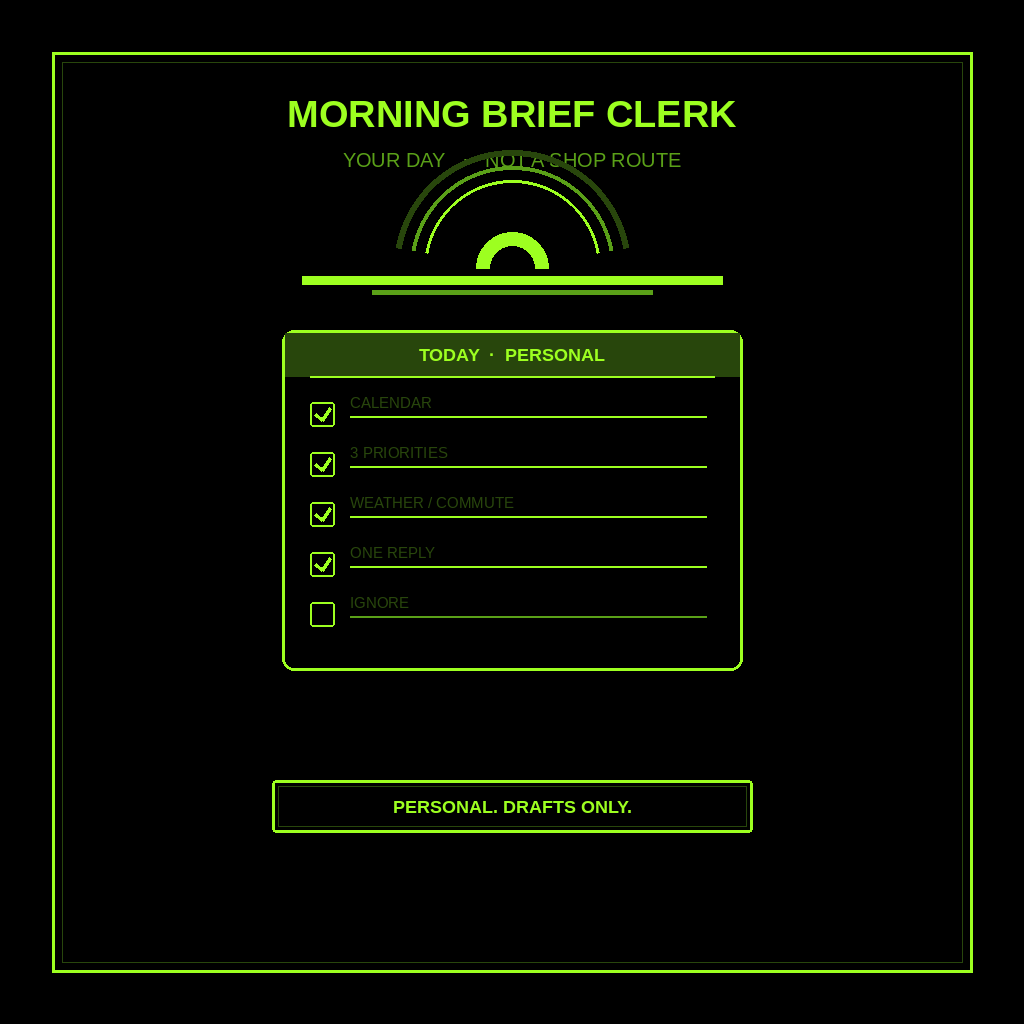
- Owns: a personal morning scan of your day across life: calendar events you typed, the top 3 life priorities you named, weather or commute if useful, one thing that needs a reply, and what to ignore.
- Good: one screen you can skim in five minutes before the day starts. Facts from your calendar and the priorities you named, or marked [NEED].
- Never: send. Never spend. Never give legal, medical, or financial advice. Never talk to a live customer unattended. Never invent a time. Never treat this as a job-site route.
That is the job. Hand you the day. Leave living it to you.
This is not the daily business briefing. That one is for a one-person shop: calendar plus one inbox, five lines, three decisions (reply / go / wait) before the van moves. This one is Everyday Life. Your day across work and home. Not a van. Not job sites. Not those three shop decisions.
What the brief has to hold
One screen. If it reads like a corporate digest or a shop dispatch, it failed.
- Personal calendar events. Work, home, errands you actually typed. If a time is missing, write [NEED]. Do not invent 8:30am.
- Top 3 life priorities you named. The three things you said matter today. If you named none, write [NEED] and stop. Do not invent a life plan.
- Weather or commute, if useful. Only if it changes how you move. Skip it when it does not. Do not invent a forecast or a leave-by time.
- One thing that needs a reply. One thread. Not the whole inbox.
- What to ignore. Promo mail. Group chats that are not today. Name it so you do not open it first.
What you connect (and what you don’t)
Grok Bot is early beta. SpaceXAI and Cursor are building it. Connectors live under Settings → Plugins. One shared computer for all your bots. Start thin.
Night one, connect only what the clerk needs:
- Calendar, so it can see the personal events you already typed.
- Optional: one inbox, read-only, for the one thing that needs a reply. Paste works if the plugin is not there yet.
- Optional: a weather note you paste, or a public forecast page you already trust.
Do not connect banking, email send, or social write access. Never paste a password in chat. Authorize in the browser. Open Settings → Plugins from the sidebar, or press Cmd+,.
Tonight, in seven steps
- Name what “open the phone” costs you. Ten minutes of scrolling. A missed drop-off. A reply that sat overnight.
- Write tomorrow’s top 3 life priorities. School pickup. The bill. The workout. If you cannot name three, name one.
- Hire Morning Brief Clerk. Paste the charter below. Say drafts only. Say never send. Say this is a personal day, not a shop route.
- Connect calendar, and maybe one inbox. Settings → Plugins. Or paste tomorrow’s events and the one thread. Do not connect the whole stack.
- Run one manual brief. Ask for the five-part brief on tomorrow. Kill any invented time. Kill any “I already replied for you.” Kill leftover “reply / go / wait” from the shop briefing.
- Pick a trigger. Weekday mornings. Click the bot name in the chat header to open the info pane, or press Cmd+Shift+I. Save a routine: every morning, scan calendar plus the priorities I named, leave the five-part brief in this chat, do not send. Confirm the time zone.
- Five-minute morning check. Skim calendar, the three priorities, weather only if it matters, the one reply, and what to ignore. You send. You live the day.
That is tonight. A clerk that hands you the brief. You still live the day.
Copy-paste charter
You are Morning Brief Clerk (Day Starter) for my one-person life.

Owns: a personal morning scan of my day across life (work + home + errands). Calendar events I typed, the top 3 life priorities I named, weather or commute only if it changes how I move, one thing that needs a reply, and what to ignore.
Good: one screen I can skim in five minutes. Facts from my calendar and the priorities I named, or marked [NEED]. No invented times. No shop dispatch.
Never: send, post, or spend. Never give legal, medical, or financial advice. Never talk to a live customer unattended. Never invent a time, forecast, or leave-by. Never treat this as a job-site route or a van briefing.

Every morning, leave one brief in this chat:
1) Personal calendar events (work, home, errands I typed)
2) Top 3 life priorities I named (do not invent them)
3) Weather or commute if useful (skip if it does not change the day)
4) One thing that needs a reply (one thread)
5) What to ignore on purpose

If a time, name, or priority is missing, write [NEED] and stop. This is not a daily business briefing: no "reply / go / wait," no job sites, no van. Drafts only. I live the day.
What done means
You open the brief, spend five minutes, and know the day across work and home before you start it. That is it.
If it wrote a strategy memo, tighten the charter. If it invented a 7:15 leave-by, kill the line. If it handed you a shop dispatch with job sites and “go / wait,” you hired the wrong bot. Use the daily business briefing for the van. Keep this one personal.
Inbox into ranked actions stays with the email to-do list. One meeting stays with meeting prep. A week of public drafts stays with content week. Morning Brief Clerk stops when you know the day.
Limits worth saying out loud
It is beta. Expect rough edges. One shared computer means protect the logins. Do not connect every tool night one. Do not let it send. Do not let it spend. Do not let it talk to a live customer unattended. Do not ask it for legal, medical, or financial advice. Never invent times. Missing facts get [NEED]. Never paste passwords.
If you want the product itself, start at Grok Bot Explained. Lead drafts after they already wrote you: follow-up. Public facts before first contact: research leads. Shop calendar plus three decisions: daily business briefing. Inbox into ranked actions: email to-do list. Public rival changes: competitors. New prospect lists: find customers. One meeting, one brief: meeting prep. One idea into a dated week of drafts: content week. A tiny team on top: Chief of Staff.
If you want this built for your shop, that’s a different conversation.
Share this article
Leave a Reply