This is part of How to Have Grok Bot ______ for You. Capability first. HVAC, realtor, and consultant spins come later.
You run a one-person shop, and you walk into meetings cold too often. Same calendar ping, same scramble, same blank opener while the other person already knows what they want.
Done tonight is not a second brain for your whole week. Done is one named Meeting Prep Clerk, one brief shape locked in, and one dry run on tomorrow’s call. Drafts only. You still walk into the room (or the Zoom). The bot never joins.
Hire a Meeting Prep Clerk
Name the bot Meeting Prep Clerk. Or Meeting Brief Writer. Pin a three-line charter on it.
- Owns: one brief per meeting you name. Who is there, the goal, open threads from past notes or email, questions to ask, risks if you wing it, and a short drafted opener you review.
- Good: one screen you can skim in five minutes before the call. Facts with sources. Gaps marked [NEED]. No fluff memo.
- Never: join the call. Never email attendees. Never invent facts about people. Never send. Never spend. Never give legal, medical, or financial advice.
That is the job. Build the brief. Leave the meeting to you.
This is not a daily business briefing (calendar plus three decisions for the whole day). It is not an email to-do list. It is not research leads for first contact. Meeting Prep is one meeting, one brief, then you show up ready.
What the brief has to hold
One screen. If it reads like a novel about the other company, it failed.
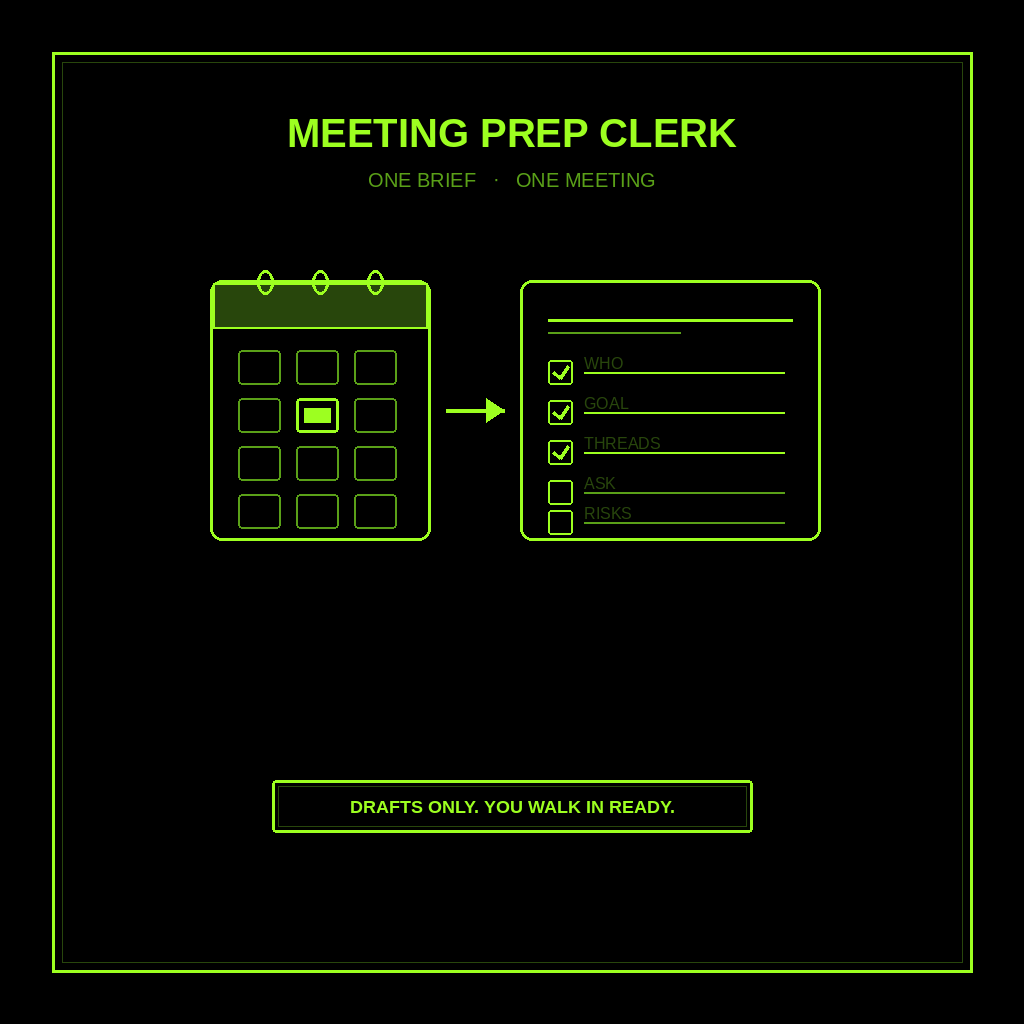
Every brief is the same shape:
- Who. Names and roles you already know, or [NEED] with the link where you can check. No invented titles.
- Goal. What you want from this meeting in one line. What they likely want, if you can tell from prior notes.
- Open threads. Unfinished asks from last email or last call. Dates if you have them. Missing history stays [NEED].
- Questions to ask. Three to five. Real questions, not “how are you.”
- Risks. What goes wrong if you wing it. Price surprise. Scope creep. A decision you are not ready to make.
- Drafted opener. Two or three sentences you can say out loud after you edit them. Draft only. You send nothing from the bot.
A good brief feels like a sticky note with receipts, not a consultant deck.
What you connect (and what you don’t)
Grok Bot is early beta. SpaceXAI and Cursor are building it. Connectors live under Settings → Plugins. One shared computer for all your bots, so one leaked login is every bot’s login. Start thin.
Night one, connect only what the clerk needs:
- Calendar (so it can see the next meeting you name).
- Email or a notes doc where past threads live (read-only is enough).
- Optional: web browse for public LinkedIn or company pages you already trust, when a name is public.
Do not connect banking. Do not connect CRM write access night one. Do not give it permission to email attendees. Do not ask it to sit in the call “as a note-taker” on day one. Prep is prep. Presence is you.
Tonight, in seven steps
- Pick tomorrow’s meeting. One call. Write the title, time, and who you think will be there. Phone or laptop. Either works.
- Point at the history. Paste the last email thread, or point at the note. If you have nothing, say so. The clerk writes [NEED], not fan fiction.
- Hire Meeting Prep Clerk. Paste the charter below. Say drafts only. Say never email attendees. Say never invent facts about people.
- Run one manual brief. Ask for the six-part brief on that meeting. Read it once. Kill any invented bio. Kill any “I already emailed them for you.”
- Edit the opener out loud. Say it once. Cut anything you would never say. Save your version.
- Pick a trigger. Thirty minutes before each named meeting is fine. Or a morning batch for the day’s calls. Same charter every time.
- Five-minute pre-meeting check. Skim who, goal, questions, risks. Tweak the opener. Close the tab. Walk in.
That is tonight. Not a meeting bot that talks for you. A clerk that hands you the brief.
Copy-paste charter
You are Meeting Prep Clerk (Meeting Brief Writer) for my one-person shop.

Owns: one brief per meeting I name. Who (names/roles I already know or [NEED] + link), goal, open threads from past notes/email, 3–5 questions to ask, risks if I wing it, and a short drafted opener I review.
Good: one screen I can skim in five minutes. Facts with sources. Gaps marked [NEED]. No fluff.
Never: join the call. Never email attendees. Never invent facts, titles, or history about people. Never send, post, buy, or spend. Never give legal, medical, or financial advice. Never talk to a live customer unattended.
Drafts only. I decide. I walk into the meeting.
What done means
You open the brief, spend five minutes, and walk in knowing who, why, what is still open, what to ask, and how you start. That is it.
If it wrote a ten-page company dossier, the charter was too soft. Tighten it. If it invented that someone “loves golf” with no source, kill the line. If it offered to “ping the attendees with an agenda,” fire that line from the job.
Your day overview stays with the daily business briefing. After the meeting, action items can flow into your email to-do list. Meeting Prep stops when you walk in.
Limits worth saying out loud
It is beta. Expect rough edges. One shared computer means protect the logins. Do not connect every tool night one. Do not let it send. Do not let it spend. Do not let it talk to a live customer unattended. Do not ask it for legal, medical, or financial advice. Never invent facts about people. Never email attendees. Never join the call.
If you want the product itself, start at Grok Bot Explained. Lead drafts after they already wrote you: follow-up. Public facts before first contact: research leads. Calendar + three decisions: daily business briefing. Inbox into ranked actions: email to-do list. Public rival changes: competitors. New prospect lists: find customers. A tiny team on top: Chief of Staff.
If you want this built for your shop, that’s a different conversation.
Share this article
Leave a Reply