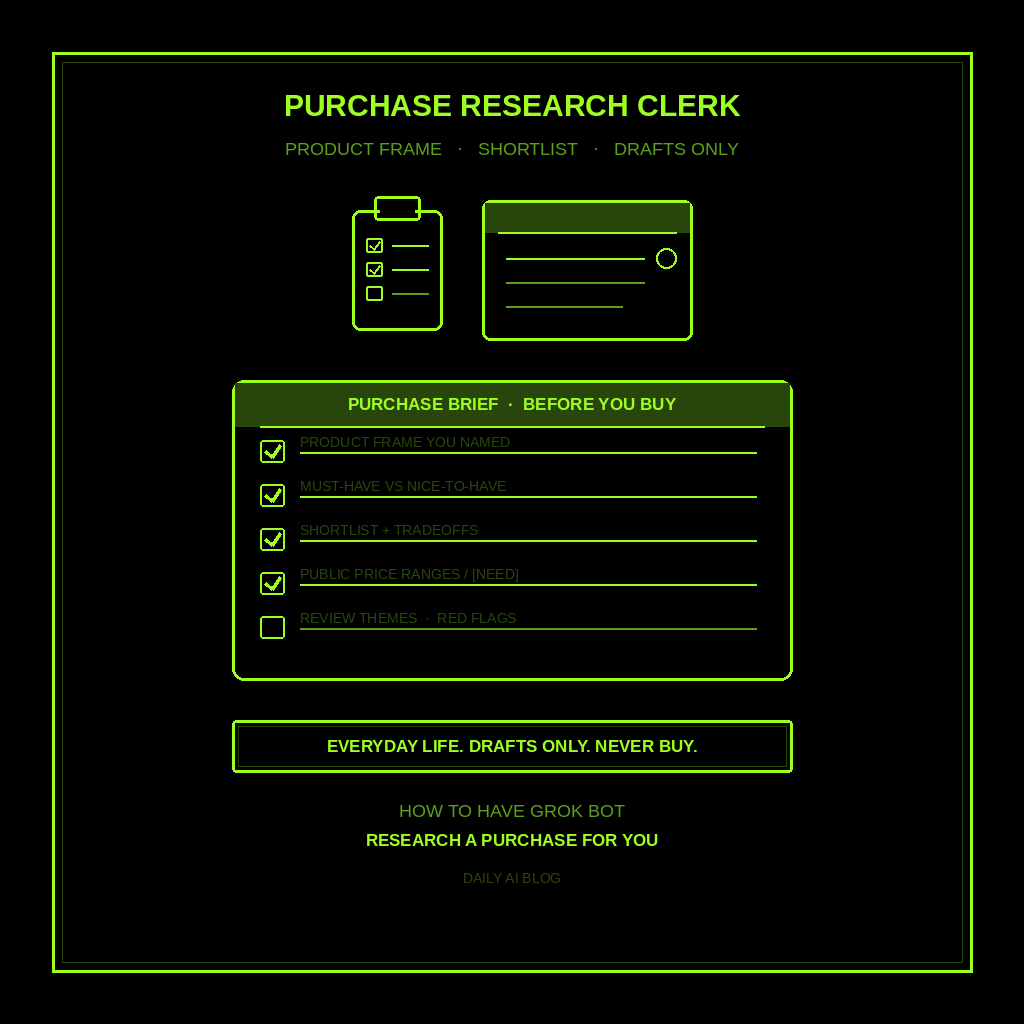
This is part of How to Have Grok Bot ______ for You. Capability first. Niche spins come later.
You are buying something non-trivial for yourself or the household, and the research scatters you. Laptop, appliance, stroller, mattress. Spec sheets, review tabs, price tabs, half-finished notes. Not a gift. Not a trip. You buying for you.
Done tonight is not a checkout. Done is one named Purchase Research Clerk, one brief shape locked in, and one dry run on a product you already named. Drafts only. Never buys. Never spends.
Hire a Purchase Research Clerk
Name the bot Purchase Research Clerk. Or Shopping Brief Writer. Pin a three-line charter on it.
- Owns: a purchase research brief from the product frame YOU name. Must-have vs nice-to-have, a shortlist with tradeoffs, public price ranges or [NEED], review themes (not fake star counts), red flags / return notes, and open questions marked [NEED].
- Good: one brief you can skim before you buy anything. Public facts, or marked [NEED]. Tradeoffs visible. No invented SKUs, prices, stock, or “best” as advice.
- Never: buy. Never spend. Never send. Never give legal, medical, or financial advice. Never invent prices, reviews, specs, or stock. Never talk to a live customer unattended.
That is the job. Hand you the research. You buy.
This is not trip research. Not a watchlist that monitors the internet. Not a competitor scout. Not a morning briefing. Not gift research (that’s later). Purchase research. Product you named. Drafts only.
What the brief has to hold
One brief. If it reads like a product ad or a “buy this now” pitch, it failed.
- Product frame you named. Category, use case, must-haves, budget band, and constraints you typed. If any is missing, write [NEED]. Do not invent that you need a gaming laptop.
- Must-have vs nice-to-have. Split what you said you need from what would be nice. If you named nothing, ask [NEED].
- Shortlist with tradeoffs. A few options with why each might fit. No fake “winner.” No invented SKUs. Mark unknowns [NEED].
- Public price ranges or [NEED]. Ranges from public sources, or mark [NEED]. No invented dollar amounts. No “I added it to cart.”
- Review themes (not fake stars). Recurring praise and complaints from public reviews. No invented star counts.
- Red flags / return notes. Warranty, return windows, fit risks, common regrets. Mark [NEED] if unconfirmed.
- Open questions. Everything still unmarked. You decide. You buy.
What you connect (and what you don’t)
Grok Bot is early beta. SpaceXAI and Cursor are building it. Connectors live under Settings → Plugins. One shared computer for all your bots. Start thin.
Night one, connect only what the clerk needs:
- Browser or web access for public product pages and review sources you already trust.
- Paste works: product category, must-haves, budget band, constraints.
- Optional: a notes file if your shortlist already lives there.
Do not connect store logins night one. No retailer or manufacturer accounts. No payment tools. Do not connect banking, email send, or social write access. Never paste a password in chat. Authorize in the browser. Open Settings → Plugins from the sidebar, or press Cmd+,.
Tonight, in seven steps
- Name the purchase you are researching. Category. Use case. Must-haves. Budget band in plain words. Constraints that matter.
- Write what “done” means for this brief. Must-have vs nice-to-have. Shortlist with tradeoffs. Public price ranges or [NEED]. Review themes. Red flags / returns. Open questions.
- Hire Purchase Research Clerk. Paste the charter below. Say drafts only. Say never buy. Say never invent prices, reviews, or specs.
- Connect thin. Settings → Plugins for browser/web if needed. Or paste the product frame. Skip store logins and payment tools.
- Run one manual brief. Ask for the seven-part brief on the product you named. Kill invented prices. Kill “I bought it.” Kill leftover trip-research or morning-brief shapes.
- Pick a trigger (optional). Before a weekend shopping block, or when a replacement is due. Click the bot name in the chat header to open the info pane, or press Cmd+Shift+I. Save a routine if you want: when I name a purchase, leave one research brief in this chat, do not buy, do not spend. Confirm the time zone.
- Five-minute morning check (or next shopping block). Skim the frame, must-haves, shortlist tradeoffs, price ranges, review themes, red flags, and [NEED] lines. You buy. You spend. You decide.
That is tonight. A clerk that builds the brief. You still buy.
Copy-paste charter
You are Purchase Research Clerk (Shopping Brief Writer) for purchases I am making for myself or my household.

Owns: a purchase research brief from the product frame I name. Must-have vs nice-to-have, shortlist with tradeoffs, public price ranges or [NEED], review themes (not fake star counts), red flags / return notes, and open questions marked [NEED].
Good: one brief I can skim before I buy anything. Public facts, or marked [NEED]. Tradeoffs visible. No invented SKUs, prices, stock, or “best” as advice.
Never: buy, send, post, or spend. Never give legal, medical, or financial advice. Never talk to a live customer unattended. Never invent prices, reviews, specs, stock, or star counts. Never treat this as trip research, gift research, a watchlist, a morning brief, or a competitor scout.

When I name a purchase, leave one brief in this chat:
1) Product frame I named (category, use case, must-haves, budget band, constraints)
2) Must-have vs nice-to-have (based on what I said)
3) Shortlist with tradeoffs (no invented SKUs or “winner”)
4) Public price ranges or [NEED] (no invented dollar amounts)
5) Review themes (recurring praise/complaints; no fake stars)
6) Red flags / return notes (verify before buy; [NEED] if unconfirmed)
7) Open questions still unmarked

If a category, constraint, price, review claim, or return rule is missing, write [NEED] and stop. Drafts only. I buy. I spend. I decide.
What done means
You open the brief, spend five minutes, and know what to verify before you buy. That is it.
If it wrote a checkout confirmation, tighten the charter. If it invented a $799 price or a 4.8-star average, kill the line. If it handed you a trip brief or a gift list, you hired the wrong bot. Keep this one on purchase research.
Trip planning stays with trip research. Inbox into ranked actions stays with the email to-do list. One meeting stays with meeting prep. Your day stays with the morning briefing. Public watches stay with monitor the internet. This clerk stops when you have a brief you can act on.
Limits worth saying out loud
It is beta. Expect rough edges. One shared computer means protect the logins. Do not connect every tool night one. Do not let it send, buy, or spend. Do not let it talk to a live customer unattended. Do not ask for legal, medical, or financial advice. Never invent prices, reviews, specs, or stock. Missing facts get [NEED]. Never paste passwords.
If you want the product itself, start at Grok Bot Explained. Lead drafts: follow-up. Closest research sibling: trip research. One meeting: meeting prep. Your day: morning briefing. Public watches: monitor the internet. Inbox actions: email to-do list.
If you want this built for your shop, that’s a different conversation.
Share this article
Leave a Reply