Category: AI Basics
-
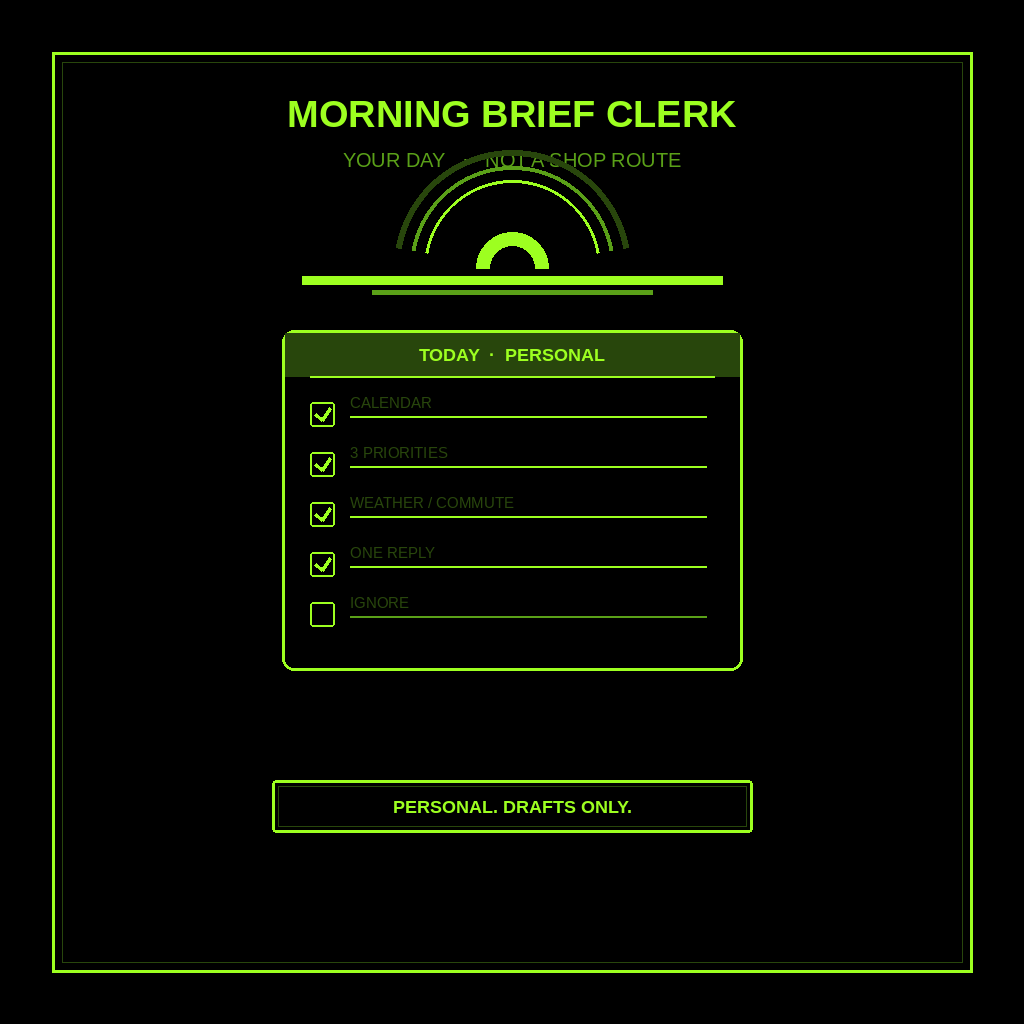
How to Have Grok Bot Give You a Personalized Morning Briefing (Step-by-Step)
Hire a Morning Brief Clerk. Your day across work and home, not a shop route. Drafts only. You still live the day.
-
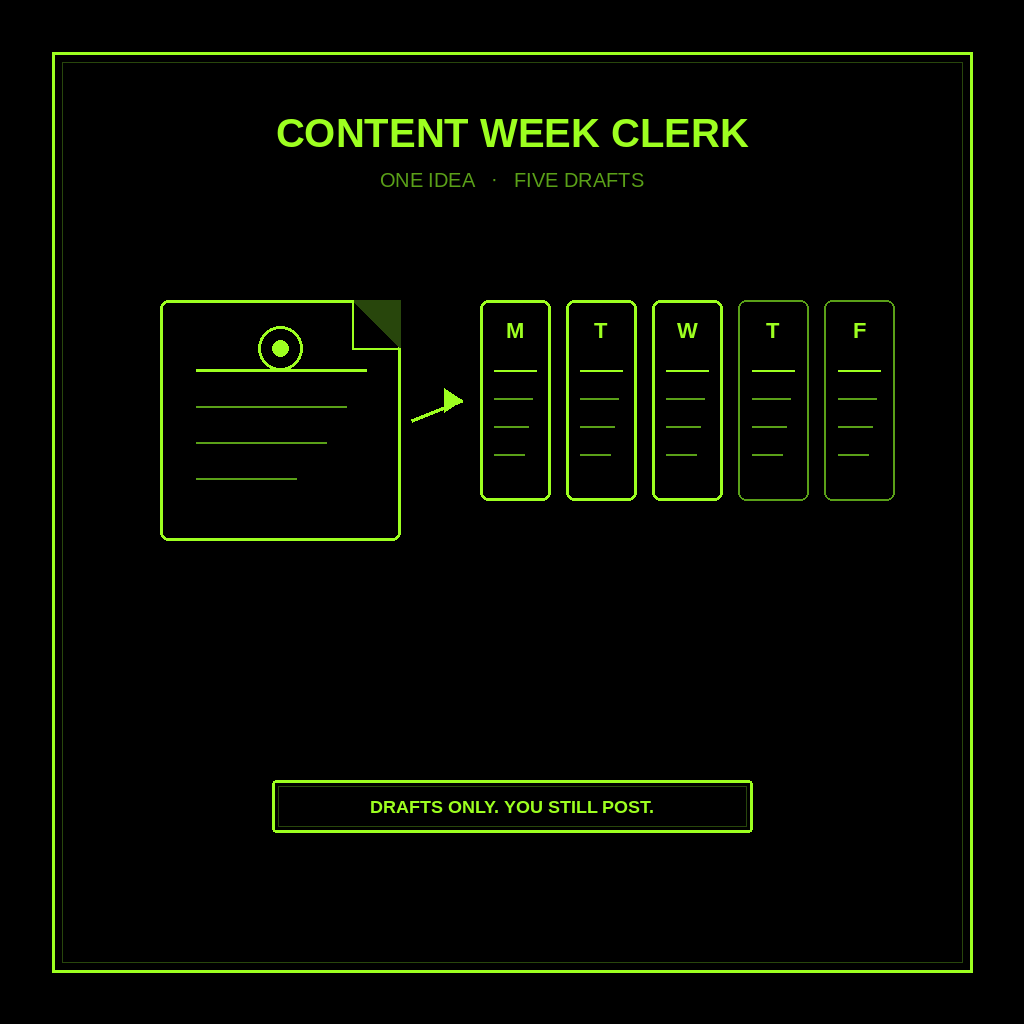
How to Have Grok Bot Turn One Idea Into a Week of Content for You (Step-by-Step)
Hire a Content Week Clerk. One idea becomes a dated week of drafts. Same claim all week. Drafts only. You still post.
-
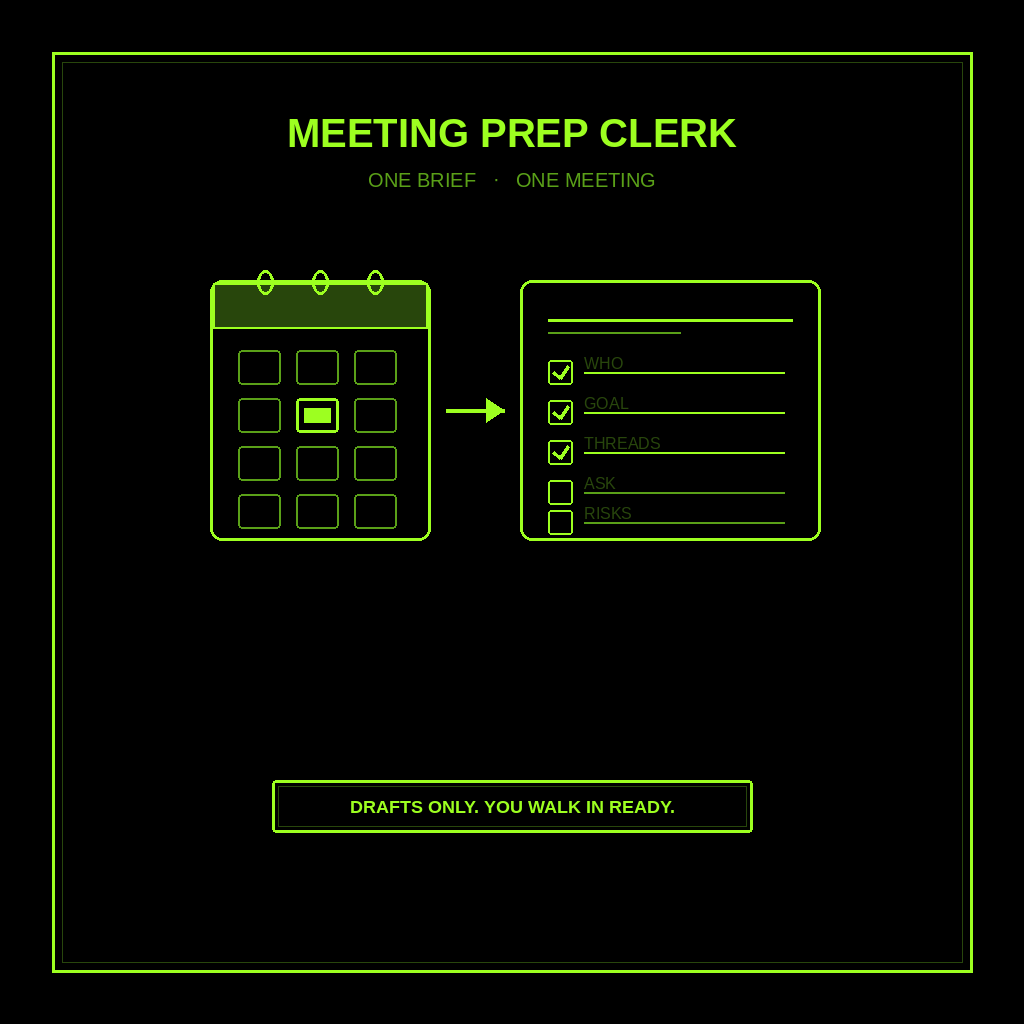
How to Have Grok Bot Prepare You for Meetings (Step-by-Step)
Hire a Meeting Prep Clerk. One brief per meeting: who, goal, open threads, questions, risks. Drafts only. You walk in ready.
-
Six Levels to a Mouseless Omarchy. Start With Five Keys.
Omarchy ships 227 keybindings. You need five to survive the first hour and about thirty to stop touching the mouse. Six levels, each with a drill and a pass condition, ending with the day you put the mouse in a drawer.
-
How to Have Grok Bot Find Customers for You (Step-by-Step)
Hire a Customer Finder to hunt public I-need-this signals. Drafts only. You decide who to contact.
-
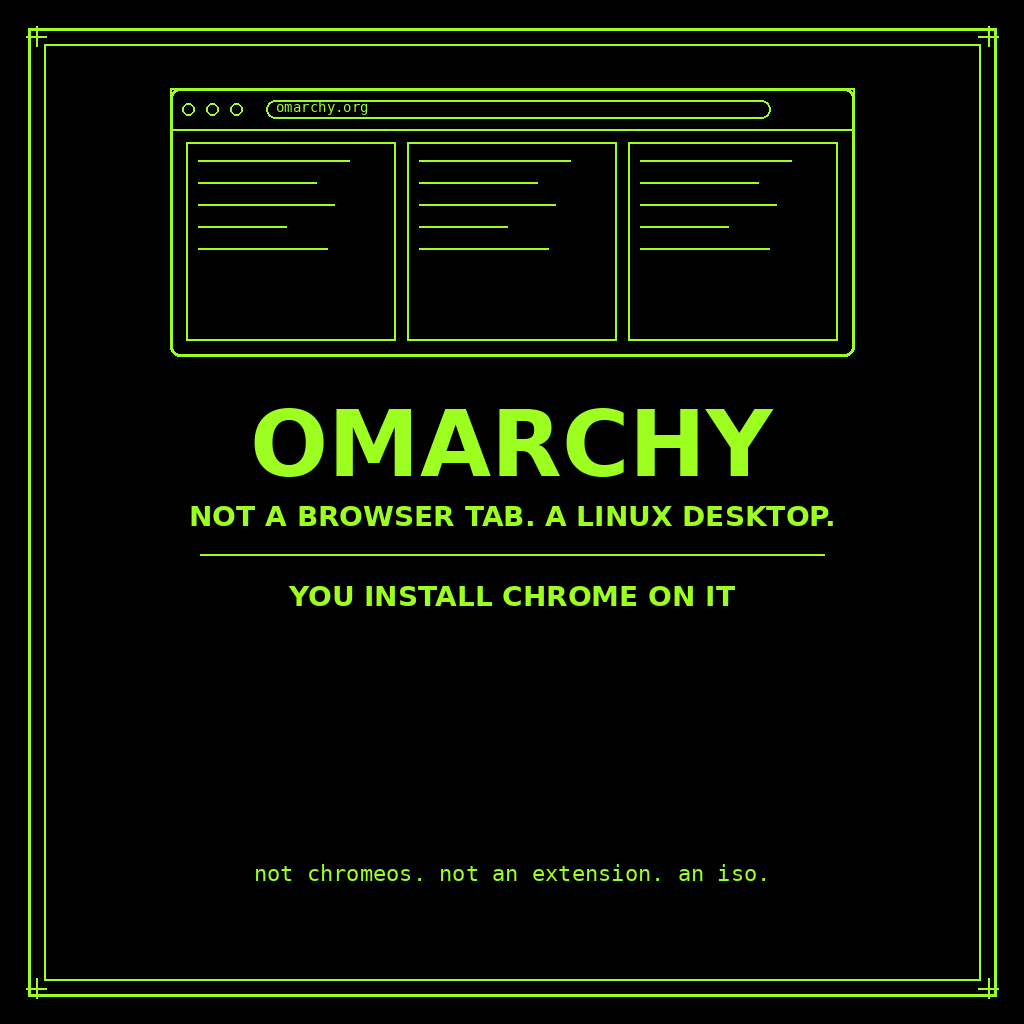
You Can’t Install Omarchy on Chrome. You Install Chrome on Omarchy.
You can’t install Omarchy in Chrome, as an extension, or on ChromeOS. Official path is a Linux ISO. Then you install Chrome on it.
-
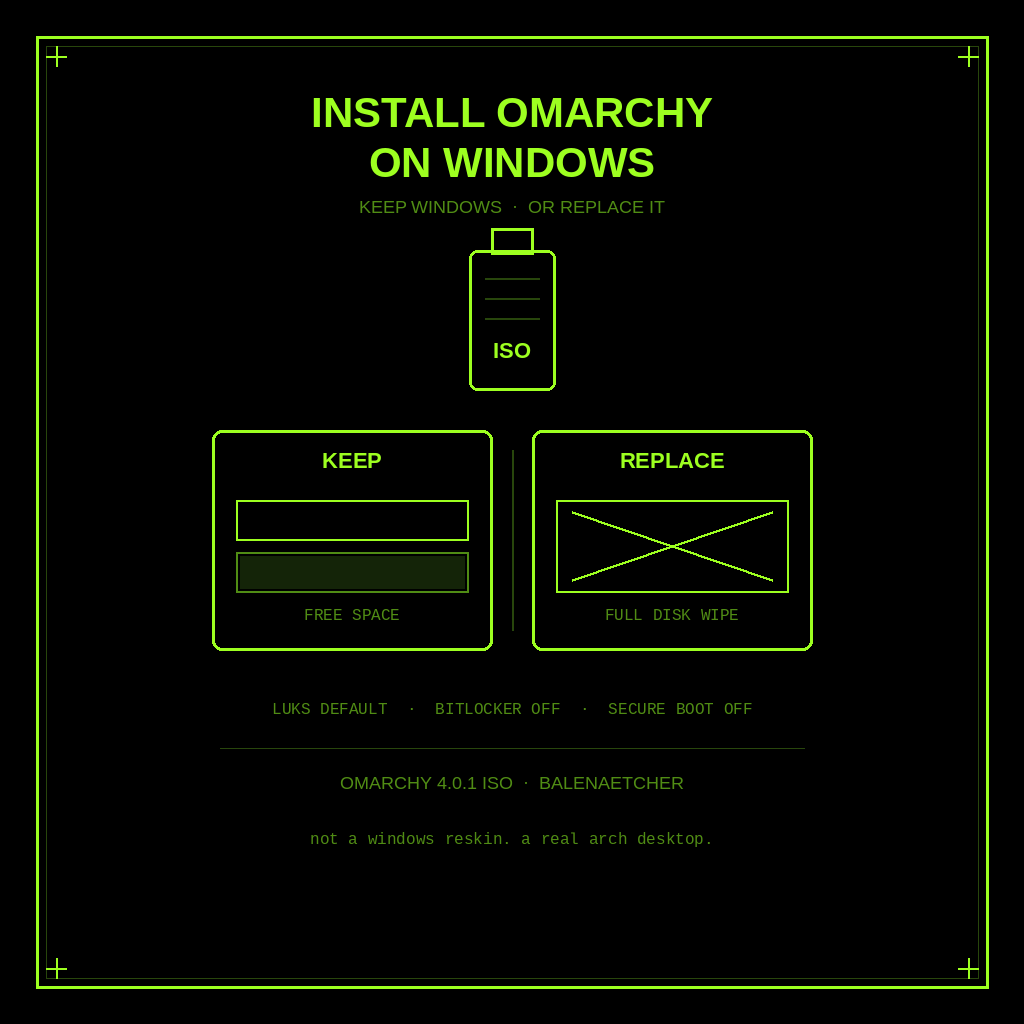
How to Install Omarchy on Windows (Keep Windows or Replace It)
Keep Windows or replace it. Official Omarchy ISO install on a PC: free-space dual boot or full-disk wipe, plus BitLocker and Secure Boot warnings.
-
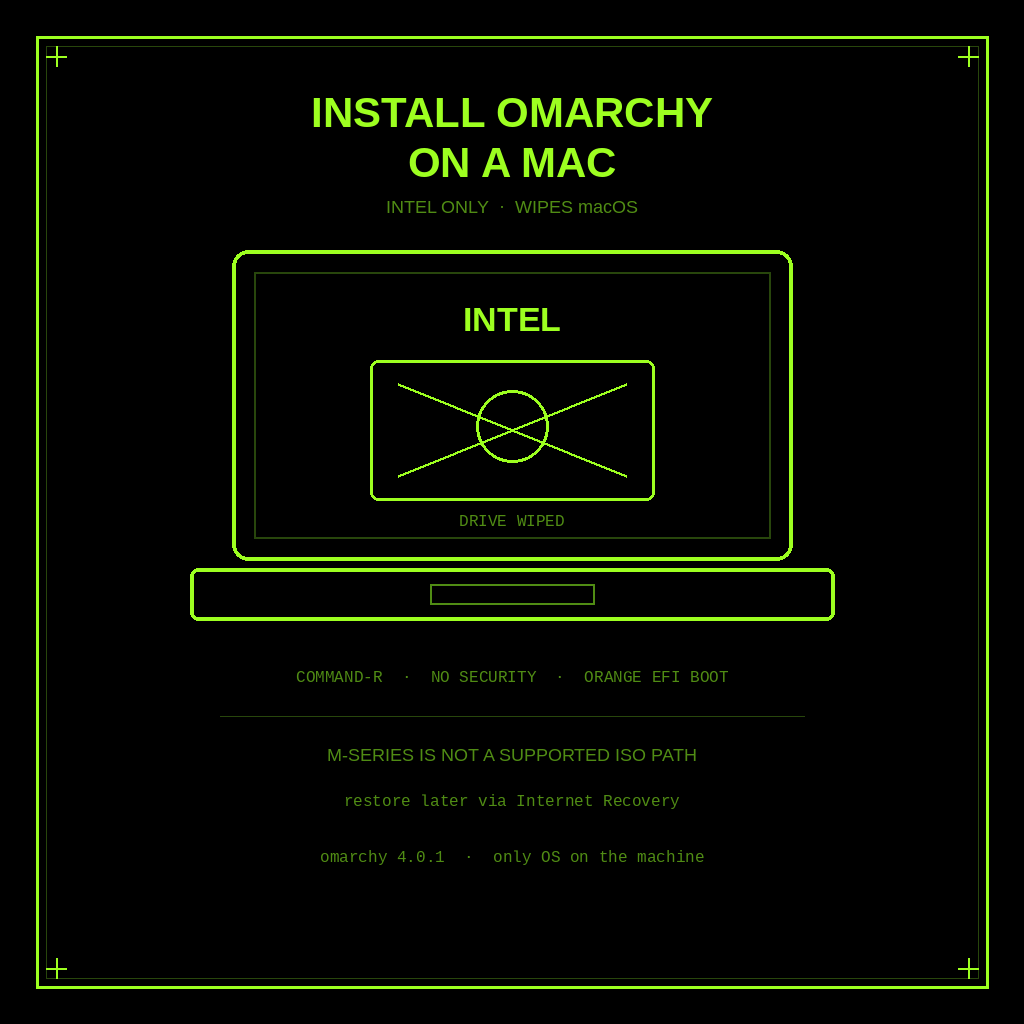
How to Install Omarchy on a Mac (Intel Only, and It Wipes macOS)
Official Intel-only steps to put Omarchy on a Mac. The install wipes the drive, macOS will not boot after, and Apple silicon is not a supported ISO path.
-
Omarchy Isn’t an AI OS. It’s DHH’s Opinionated Linux Desktop.
Omarchy is DHH’s opinionated Arch Linux desktop, not a chatbot OS. Here’s what it ships, how you install it, and who should wait.